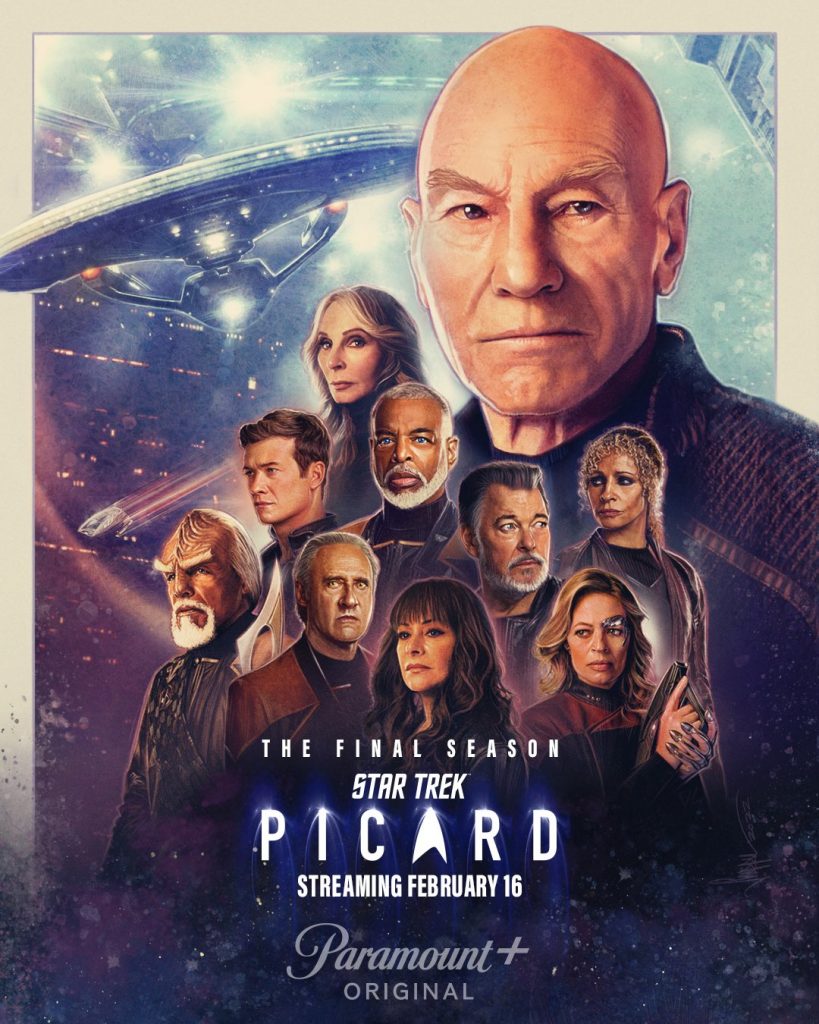
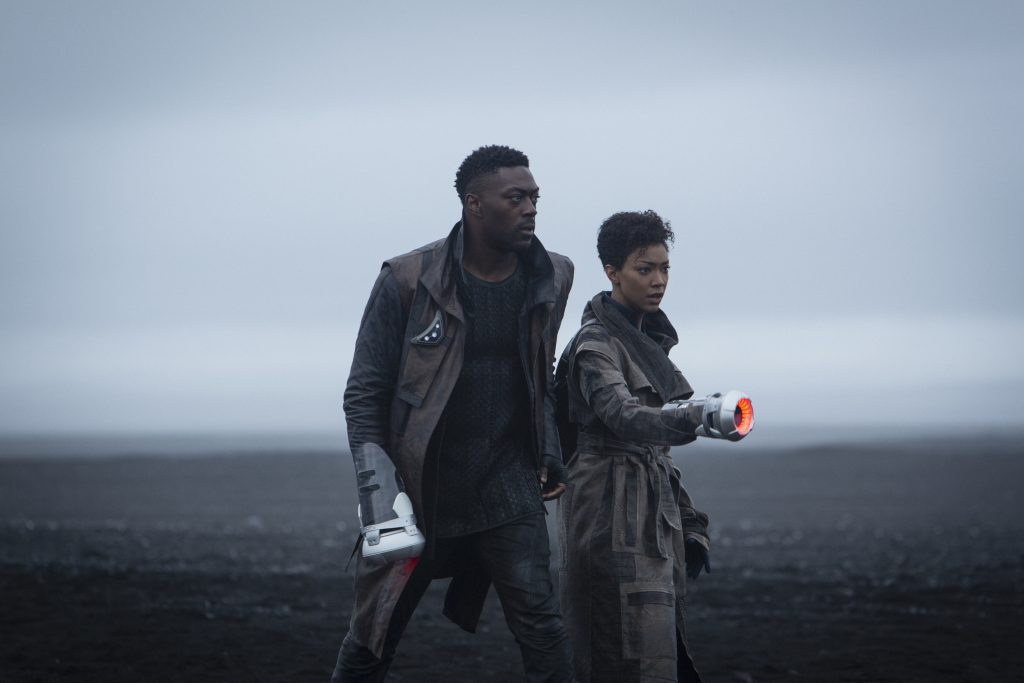
It’s been over 3 years since I first published a blog post about Star Trek: Picard. Since then – we’ve gone through both Season 1 and Season 2. And in a little over 2 weeks from now, Season 3 kicks off on Feb. 16th on Paramount+. Season 3 will be the final season of the show and bring some form of closure to the character of Jean-Luc Picard in the Star Trek universe – a character that has been a hero of mine since childhood. It is also meant to give the Star Trek: The Next Generation (TNG) a much better send off than they got with Star Trek: Nemesis 20 years ago.
While many fans did not like Star Trek: Nemesis, I enjoyed the movie however I felt it did fall extremely short in living up to its tag line of “A Generation’s Final Journey” coming away from the movie feeling very unfulfilled and unsatisfied. At the same time, this season is also supposed to also open the door for the “Next, Next Generation”. Star Trek: Picard Season 3 looks to be an epic 10-episode story that gives us closure on some characters while opening the door for the future with new characters to continue the adventures. I am absolutely beyond excited to see what happens. And today we got the final trailer for Star Trek: Picard Season 3 that aired during the NFL AFC Championship Game:
In the epic, thrilling conclusion of Star Trek: Picard, a desperate message from a long-lost friend draws Starfleet legend Admiral Jean-Luc Picard into the most daring mission of his life, forcing him to recruit allies spanning generations old and new. This final adventure sets him on a collision course with the legacy of his past and explosive, new revelations that will alter the fate of the Federation forever.
You can watch the original teaser for Star Trek: Picard Season 3 here, the Sneak Peek shown during Star Trek Day in September here, and the New York City Comic-Con teaser here as well.
I am planning to write a little summary of how to get ready for Star Trek: Picard Season 3 I hope to publish soon which explains how everything fits together within the broader Star Trek Universe – without any spoilers for Season 3 and minor spoilers for Season 1 and 2.
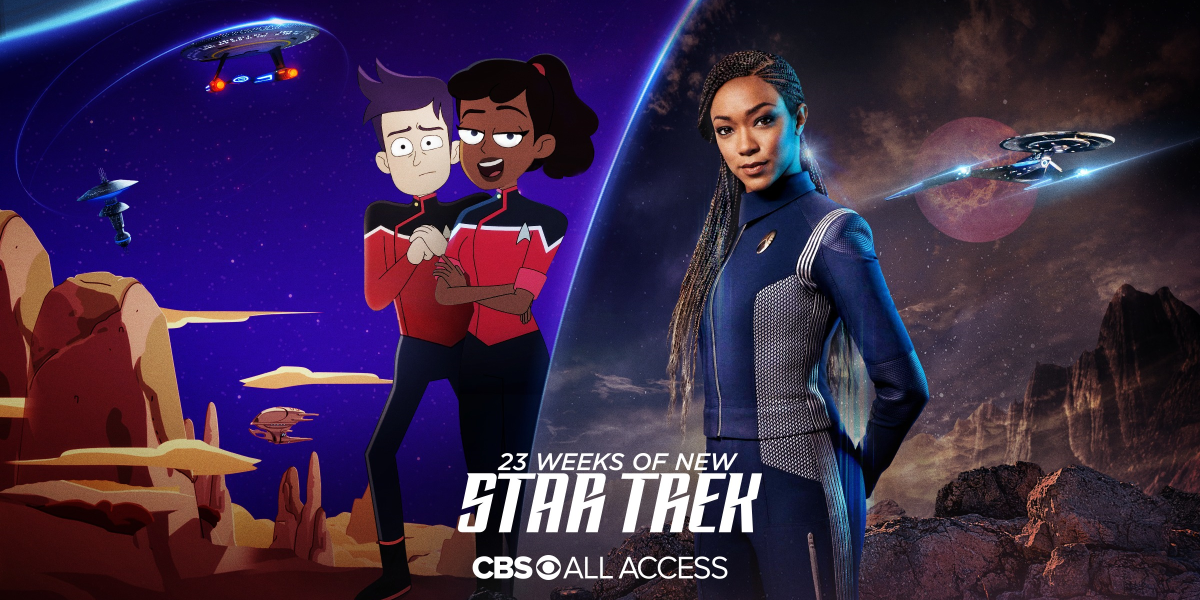
Starting today, we’re getting 23 weeks of brand new Star Trek episodes on CBS All Access.
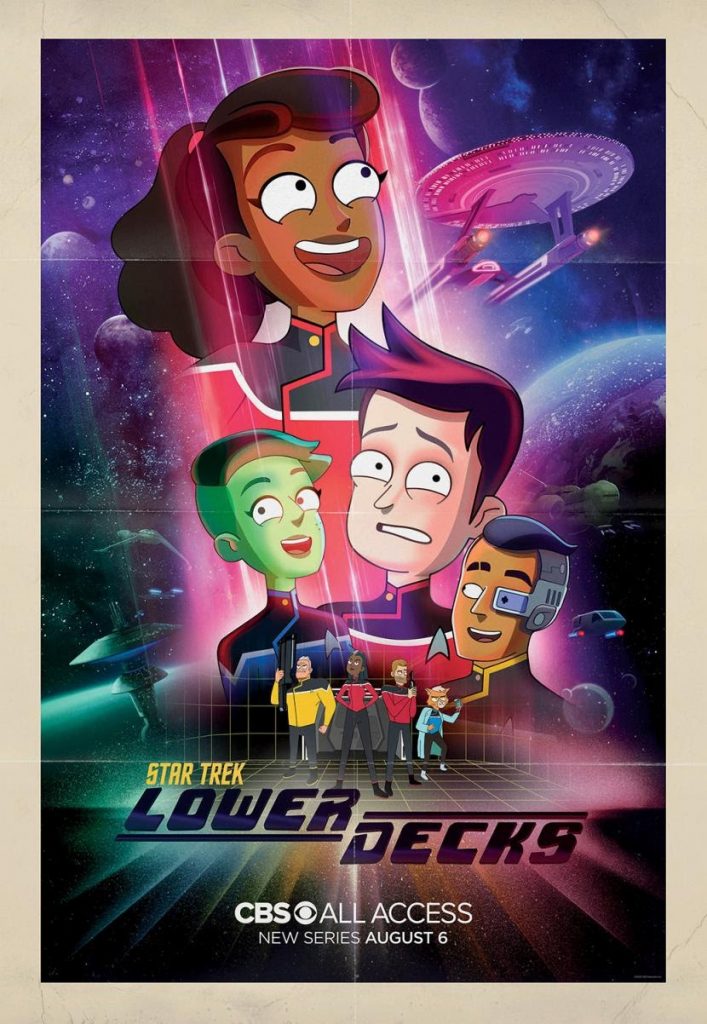
First up is Star Trek: Lower Decks. Lower Decks is a brand new animated Star Trek show from Mike McMahan who wrote some Rick and Morty and is the co-creator of Solar Opposites on Hulu. It’s a more adult-focused animated show like Rick and Morty is. Lower Decks takes place aboard the U.S.S. Cerritos which is Starfleet’s “least important ship” and specializes in “second contact”. The show is centered around the “lower decks” crew of the Cerritos: Ensign Beckett Mariner, voiced by Tawny Newsome, Ensign Brad Boimler, voiced by Jack Quaid, Ensign Tendi, voiced by Noël Wells and Ensign Rutherford, voiced by Eugene Cordero. Remember that episode in the 7th season of Star Trek: The Next Generation called “Lower Decks” that focused on some of the less important junior officers aboard the Enterprise-D? This show plays off that concept.
After other more important starships in Starfleet make first contact, the U.S.S. Cerritos will go in and pick up where they left off. And that’s where the hilarious adventures begin! We are told to expect a lot of nerdy Star Trek references (especially things fans of TNG pick up on) and even some appearances of some familiar Star Trek characters. We will also see the Ensigns interact with the Cerritos bridge crew which includes Captain Carol Freeman, voiced by Dawnn Lewis, Commander Jack Ransom, voiced by Jerry O’Connell, Lieutenant Shaxs, voiced by Fred Tatasciore, Doctor T’Ana, voiced by Gillian Vigman and Chief Engineer Lt. Commander Andy Billups, voiced by Paul Scheer. Lower Decks takes place right after Star Trek: Nemesis in 2380. Yes, that’s right – even though Lower Decks is animated, and more comedic, it fits right in with established canon.
I absolutely adore Rick and Morty and really enjoyed Solar Opposites so I am really excited for this show. Based on what I’ve read from Mike McMahan, he seems to get Star Trek and the importance of respecting Star Trek but at the same time mixing in humor that will make this show fun to watch. I laugh my ass off watching Rick and Morty and now more than ever I need laughter so this show is hitting at the perfect time. A mix of humor and Star Trek and fantastic animation is just what I need.
Star Trek: Lower Decks will run for 10 episodes and then in October, we’re going to get the 3rd season of Star Trek: Discovery!
At the end of Season 2, the U.S.S. Discovery and crew follow Commander Michael Burnham into a wormhole that will take them 900 years into the future. Season 3 picks up as they arrive in the future. This places Discovery hundreds of years after all the Star Trek we know today. What is the state of the Federation and Starfleet? Is there even a Starfleet anymore? So many questions! We know that the crew of Discovery get new badges…
I have fallen in love with Star Trek: Discovery. I love the characters and the actors that portray them. I love the writing. I love the set design. I plan on expanding more on my love of the show in a later blog post. But I can’t wait for Season 3!
I am a very happy nerd that we have 23 weeks straight of new Star Trek.
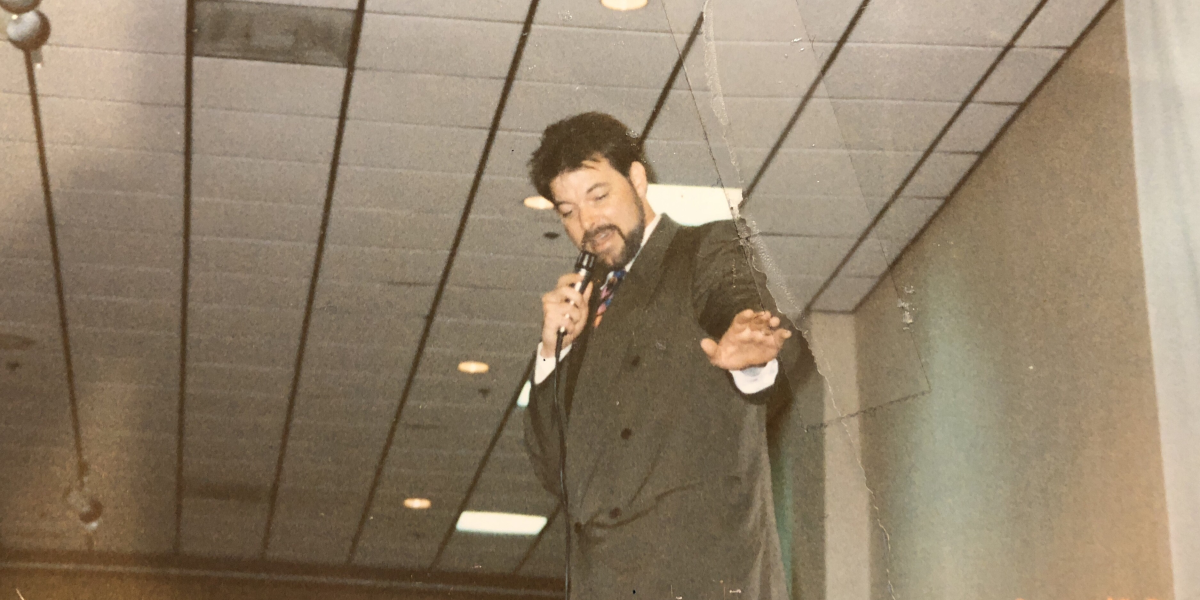
As I continue to self-isolate and stay home during the ongoing COVID-19 pandemic, I was going through some old photos and found photo shown above from my very first Star Trek convention from 1992 and it had me reminiscing about my experience. I thought it would make for a good blog post.
Back in the early 90’s, at the peak of Star Trek: The Next Generation’s popularity, Creation Entertainment was regularly putting on Star Trek conventions around the U.S. where you could go and see the actors from the show. My mom signed up to be put on a “mailing list” at the time where we would get brochures in the mail advertising any conventions that would hit our area (I grew up outside Portland, OR) and how to get tickets for these upcoming conventions. I loved getting these brochures in the mail. These were also the days of Starlog Magazine and these conventions were advertised there too but I wasn’t getting issues of Starlog regularly.
I was always asking my parents if we could go to a convention whenever we received a new brochure in the mail. One day, we got a brochure in the mail that advertised Jonathan Frakes would be coming to a convention in Portland. Jonathan played Commander Riker on Star Trek: The Next Generation. My parents decided this was the convention we should go to.
In 1992, I was a 9-year Star Trek: The Next Generation fan. I had a HUGE collection of Star Trek toys from Playmates. I also carried around my copy of the Star Trek: The Next Generation Technical Manual everywhere. To be going to a Star Trek convention was a dream come true. Looking back, I think Jonathan Frakes was the perfect actor to see in person. He came on stage with some much energy and friendliness. He had such a big smile. He told stories about what it was like working with the rest of the cast of the show (and the pranks they all played on each other), what the sets were like, and insight to his approach to the character of Riker. He did one hell of a Patrick Stewart impression and told a lot of jokes that had the audience laughing. And he talked about how much he valued coming to conventions and interacting with Star Trek fans in person. Having this experience as a kid also reinforced that these were actors playing characters on a TV show and the actors are often not like their characters they play on the show. As I listened to Jonathan talk, I heard Jonathan – not Commander Riker. Then he shouted “Shields up! Red Alert!” and I heard Commander Riker. I will say that after seeing Jonathan speak in person – I had a new-found appreciation and love for the character of Commander Riker. One thing that stood out most about Riker was his undying loyalty to Captain Picard and the Enterprise. That sense of loyalty is something I chose to adapt in my own life with family, friends and colleagues.
While seeing Jonathan Frakes in person was the highlight of my first Star Trek convention – I also got to interact with fans. There was a gentleman who sat next to us in the audience who made his Star Trek II: The Wrath of Khan Starfleet uniform from a uniform pattern he purchased at a Star Trek convention many years prior. The uniform looked exactly like it did in the movie. I was so amazed. I wanted a real authentic looking Starfleet uniform so bad! My parents purchased the uniform pattern for the Season 1 TNG uniform and had uniforms for me and my brothers made (I’m saving this story for another blog post). Additionally, walking around the exhibit hall was complete nerd heaven. There were prop makers there who made props that looked exactly like they did on the show with lights and sound effects! I held what felt like a real working Tricorder.
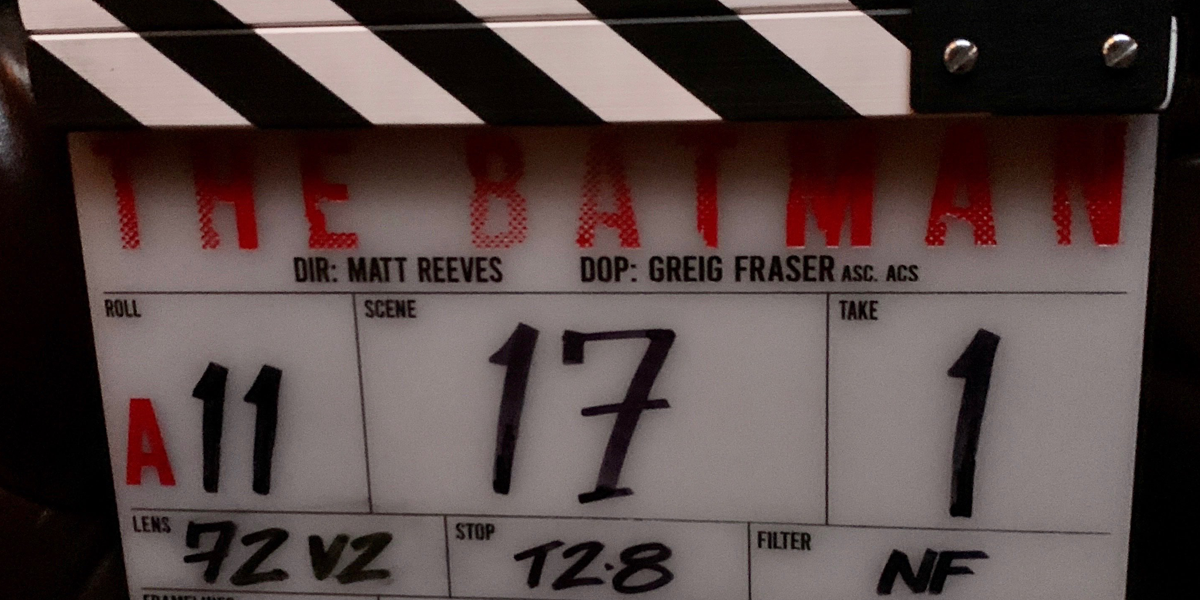
I am way behind on keeping tabs here on the latest happenings relating to the new “The Batman” film from director Matt Reeves – I apologize. I previously posted about Robert Pattinson signing up to take on the role of Bruce Wayne/Batman back in June. Production for the film officially began on January 27th which was marked by this photo tweeted from Matt Reeves:
Warner Bros. also released a press release that didn’t give a description of the movie but did lay out the cast of characters in addition to Pattinson as Batman:
Zoë Kravitz as Selina Kyle (aka “Catwoman”)
Paul Dano as Edward Nashton
Jeffrey Wright as GCPD’s James Gordon
John Turturro as Carmine Falcone
Peter Sarsgaard as Gotham D.A. Gil Colson
Jayme Lawson as mayoral candidate Bella Reál
Andy as Alfred Pennyworth
Colin Farrell as Oswald Cobblepot (aka “The Penguin”)
Since production began, Matt has been sharing tidbits from the production. First – we gout our very first look at Robert Pattinson in the new batsuit!
As part of that video, we learned that the absolutely fantastic Michael Giacchino. The music you hear in that video is from Michael as he begins thinking about the score for The Batman. I have loved Michael’s scores for movies like the latest Star Trek movies (Kelvin Universe), Jurassic World, and Mission Impossible: Ghost Protocol.
I won’t make a habit of pointing out leaks, rumors, or speculation BUT if you want a better look at the batsuit, Variety put up an article on some leaked photos of a scene being filmed.
Leaked shot of Robert Pattinson’s stunt double filming a scene of The Batman. From Variety.
I really like the new batsuit. I like rudimentary look of it. You can tell this version of Batman is just beginning his crime-fighting detective days and that it was pieced together. I am actually wondering if we will see this version of Batman evolve his batsuit over time in the movie and or in sequels (assuming the movie does well of course).
As a longtime Batman fan, I am very excited for this film and to see what kind of take Matt Reeves and Robert Pattinson have on the characters. I hear a lot of “Oh no, not another Batman…” In the comics, different writers and artists come in to do different “runs” of stories for comic book characters like Batman. Writer Scott Snyder and artist Greg Capullo did a 5-year run of the Batman comics telling a very specific story arc. Then writer Tom King took over and had a different take with different stories. And most recently – writer James Tynion IV has taken over. The movies are the very same way. A director and actor will come in and tell a very specific Batman story or set of stories with a certain style (like in the case of The Dark Knight Trilogy with director Christopher Nolan and Christian Bale as Batman). I am always interested in seeing the different takes directors and actors have on this character. And I can’t wait to see what Matt Reeves and Robert Pattinson (and the entire cast of characters) bring to the big screen!
Over the holidays, I had a friend ask me about all the cool new stuff Microsoft announced and came out in 2019. I told him about all the things that stood out to me. This got me thinking about turning my own list into a blog post to share with others. I wrote a lot of this before New Years but never finished it. I wasn’t sure if I should go ahead and finish the list, so I asked Twitter and everyone said I should finish it and publish it – so here it is!
First thing’s first… Yes, I do work at Microsoft. But this is my own personal list and I wasn’t asked by anyone at work to make it. But because I do work at Microsoft, when say “we”, I mean Microsoft. The list here represents my opinion and not Microsoft’s. This list is also not organized by any sort of priority – either for me or for Microsoft. And if I forgot to mention something cool, it is the direct result of a short circuit in my specific individual brain.
Microsoft in 2019
Windows 10 updates
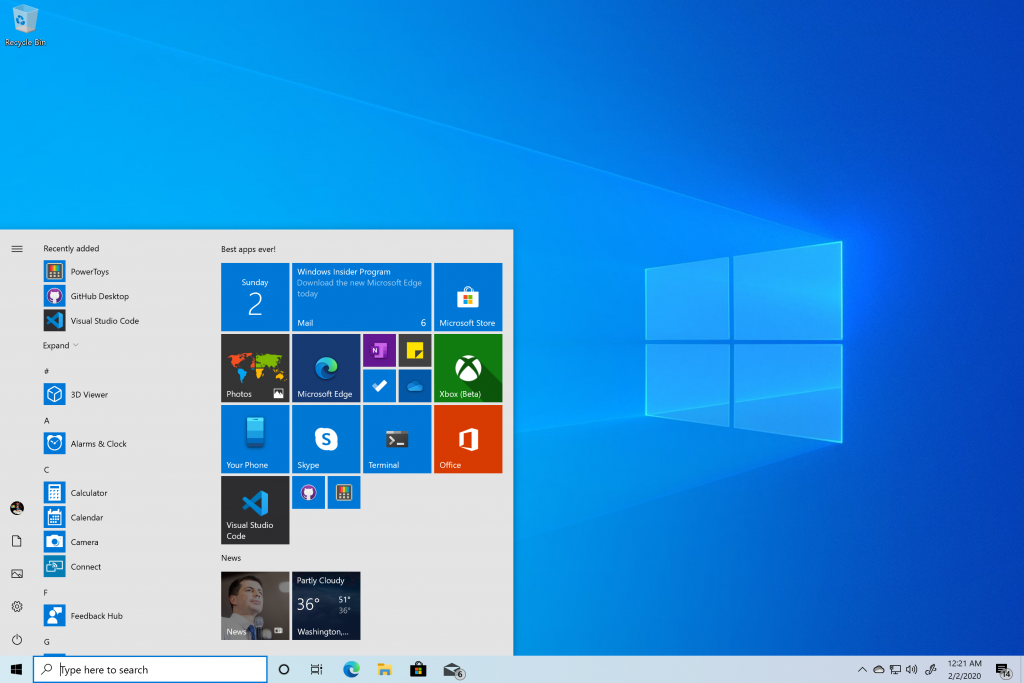
The Windows 10 November 2019 Update desktop with Start and Microsoft apps.
I’m a “Windows guy” so of course I’m going to start off with Windows first on my list. In 2019, we shipped two new feature updates for Windows 10. We shipped the Windows 10 May 2019 Update which contains a bunch of new features including Windows Sandbox and a OS-wide new light theme. We also shipped the Windows 10 November 2019 Updatewhich was a different type of update than we had done previously. The November Update contained new features such as notification control improvements and a quick way to add events to your calendar straight from the clock flyout on your Windows taskbar!
We also celebrated the 5-year anniversary of the Windows Insider Program. Windows Insiders have contributed to a lot of improvements to Windows 10 over the last 5 years. Working in the Windows engineering org here at Microsoft and on the Windows Insider Program Team has been some of the best years of my professional career and I’m having a lot of fun. I am learning a lot and I am able to exert a lot of my passion and excitement for technology and overall nerdiness. I am equally excited for what’s next for the Windows Insider Program and for Windows 10!
The Azure Kinect Developer Kit was announced along with the HoloLens 2. It uses the same new time-of-flight depth sensor from the HoloLens 2, high-def RGB camera and a 7-microphone circular array. The Azure Kinect allows for development of advanced computer vision and speech technology. For developers who have been using the Xbox Kinect to develop solutions for things that sense the people and things around and listens audio should definitely give the Azure Kinect DK a look!
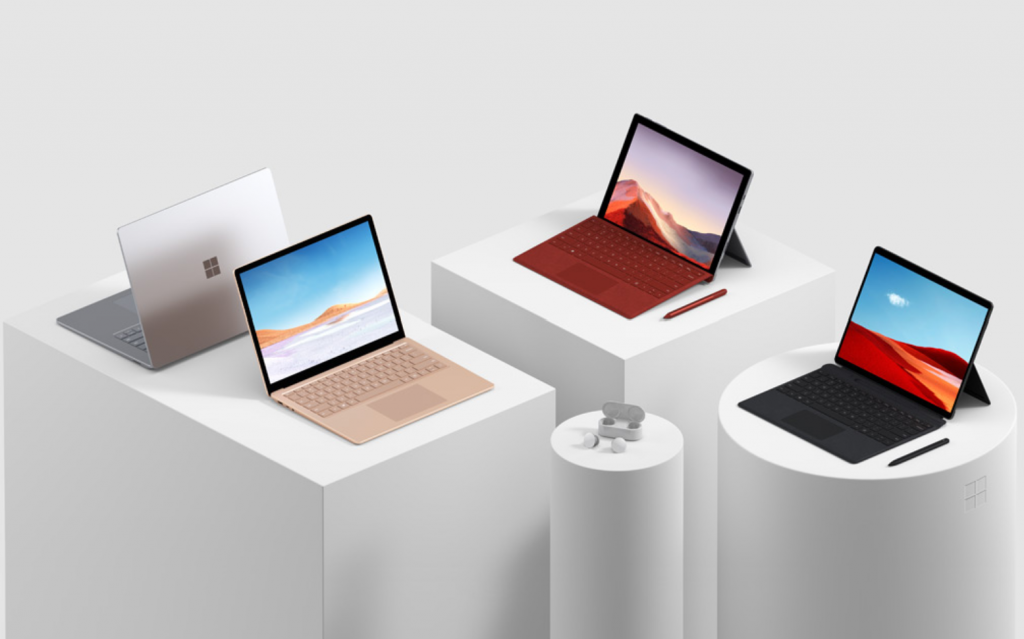
The new Surface 2019 line-up: Surface Laptop 3, Surface Pro 7, and Surface Pro X.
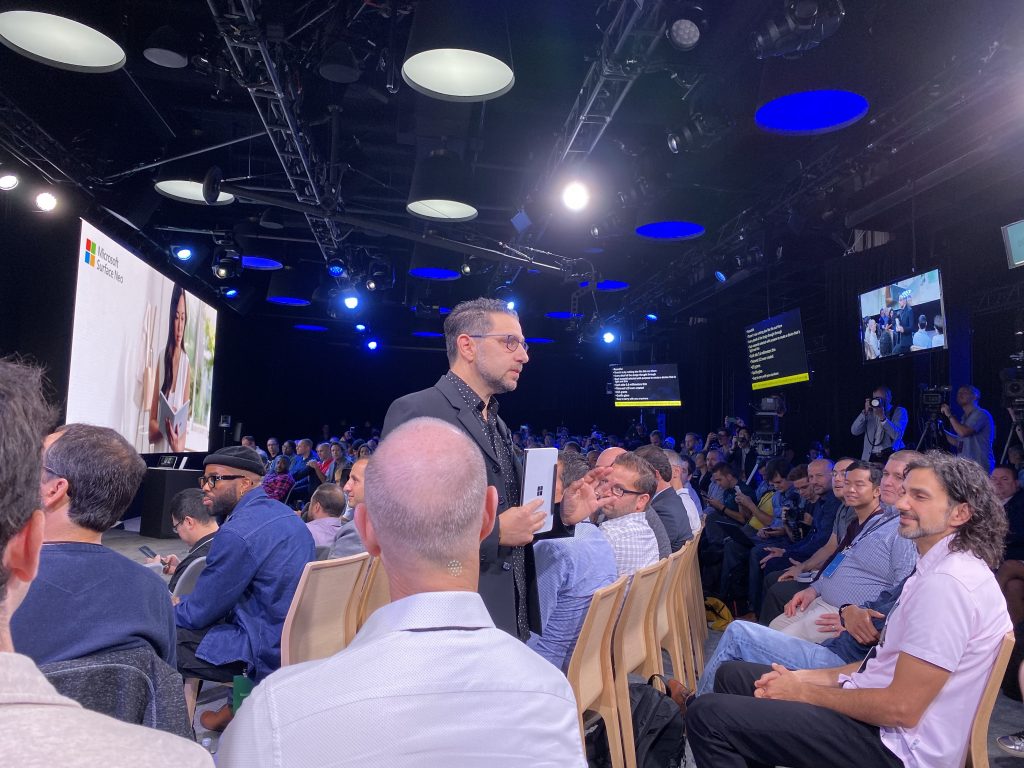
And in a small event in October in New York City, we announced the Surface Pro 7, Surface Pro X, and Surface Laptop 3. At that same event we also unveiled two new Surface devices coming in 2020 which I’ll talk about at the end of this post. I got to attend this event in New York and sit with fans of Microsoft, Surface and Windows 10 and their energy and excitement was so contagious that afterward I felt like I could fly to the moon. It was the first time attending a major Surface event for Microsoft and it was amazing. My current daily PC in the Surface Pro X.
Microsoft Chief Product Officer Panos Panay holds the Surface Neo at the Oct. 3rd Surface Event last year.
Announced back in April, the Xbox One S All-Digital-Edition offers disc-free gaming. This console doesn’t have a disc drive for any physical media. It’s a console that was created for gamers who prefer to find and play their games digitally and are looking for the most affordable way to play Xbox games. And it does 4K entertainment with movies and TV from the Microsoft Store, Netflix, Amazon Prime Video and more. This console gets even better for gamers with Xbox Game Pass.
The Xbox Elite Wireless Controller Series 2
We announced the second-generation Xbox Elite Wireless Controller in June and it hit stores in November. The Xbox Elite Wireless Controller Series 2 is the world’s most advanced controller and brings over 30 new ways to game. You can customize this controller to be exactly what you want it to be to help you game – whether it’s playing Halo or racing in Forza. I have the Series 2 controller and absolutely love it. I especially love that it has a built-in rechargeable battery that gets up to 40 hours of battery life per charge. And it also comes with a USB-C cable and charging dock, giving you multiple options for charging your controller.
Gaming on Windows 10
It’s important for us to enable gamers to play together which means cross-platform play and cross-network play across Windows 10 PCs and console. But there are gamers who just game on PC. In 2019, we delivered a bunch of new things to make gaming on Windows 10 better.
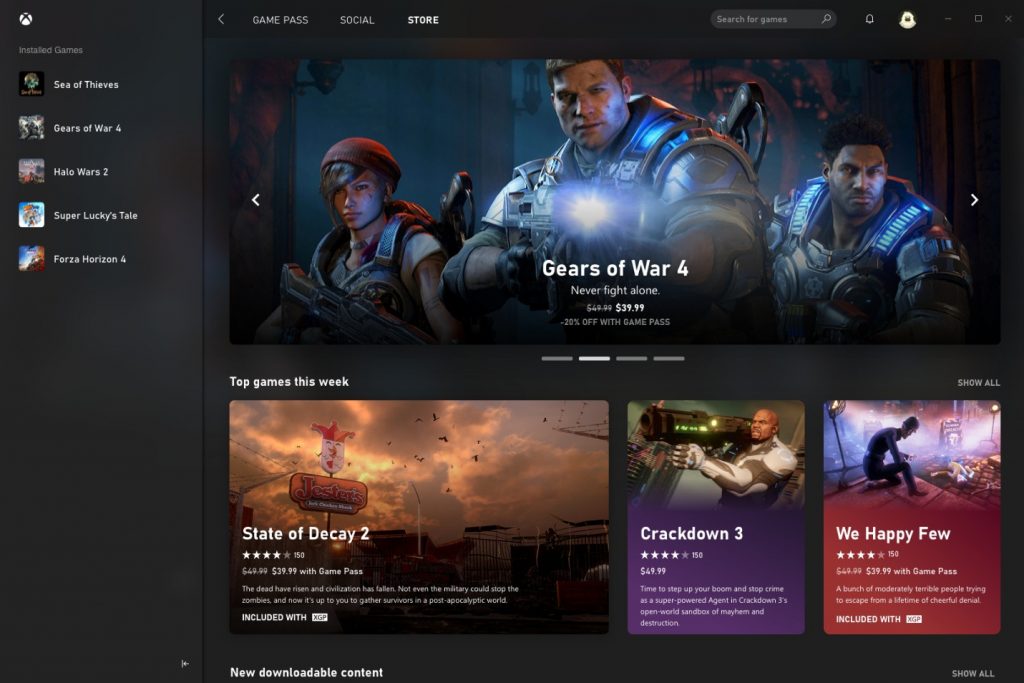
We brought Xbox Game Pass to Windows 10 via a brand new Xbox app so PC gamers can enjoy all the benefits of Xbox Game Pass just like on the console. Xbox Game Pass for PC gives gamers unlimited access over 100 high-quality PC games on Windows 10. You can download the new Xbox app (Beta) for Windows 10 here from the Microsoft Store. And speaking of the Microsoft Store – we are enabling full support for native Win32 games to the Microsoft Store on Windows 10 too.
Brand new Xbox app for Windows 10 opens the door to Xbox Game Pass!
We introduced a completely updated/over-hauled Xbox Game Bar in Windows 10. Just by using the Windows key + G keyboard shortcut in Windows 10 gives you direct access to your Friends, Chat, Mixer, and Looking for Group (LFG) from Xbox Live. And you can share screenshots from your game to your social network on Xbox Live too or Twitter.
Updated Game Bar in Windows 10 – available using Windows key + G keyboard shortcut!
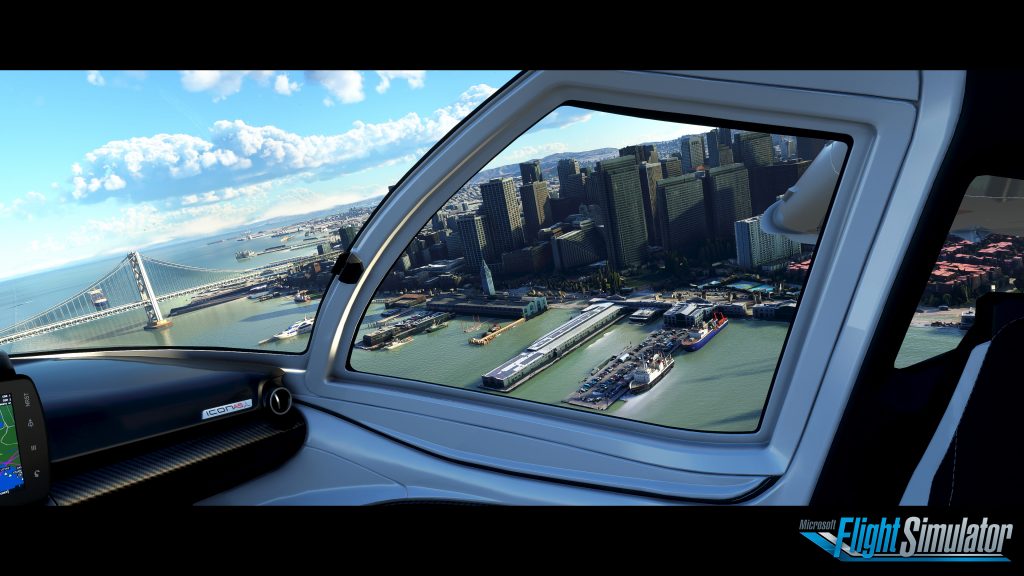
One more thing… Microsoft Flight Simulator is coming back!
Screenshot of gameplay in the new Microsoft Flight Simulator.
Project xCloud Public Preview
We announced Project xCloud in late 2018 and in 2019, we kicked off the Public Preview. Project xCloud allows you to play some of your favorite Xbox games on your phone powered by the cloud! I have been playing Halo on my OnePlus 7 Pro and its amazing. You can buy a clip for your Xbox Wireless Controller and clip it to your phone.
Project xCloud Preview: Play 50+ Xbox games on your phone or tablet.
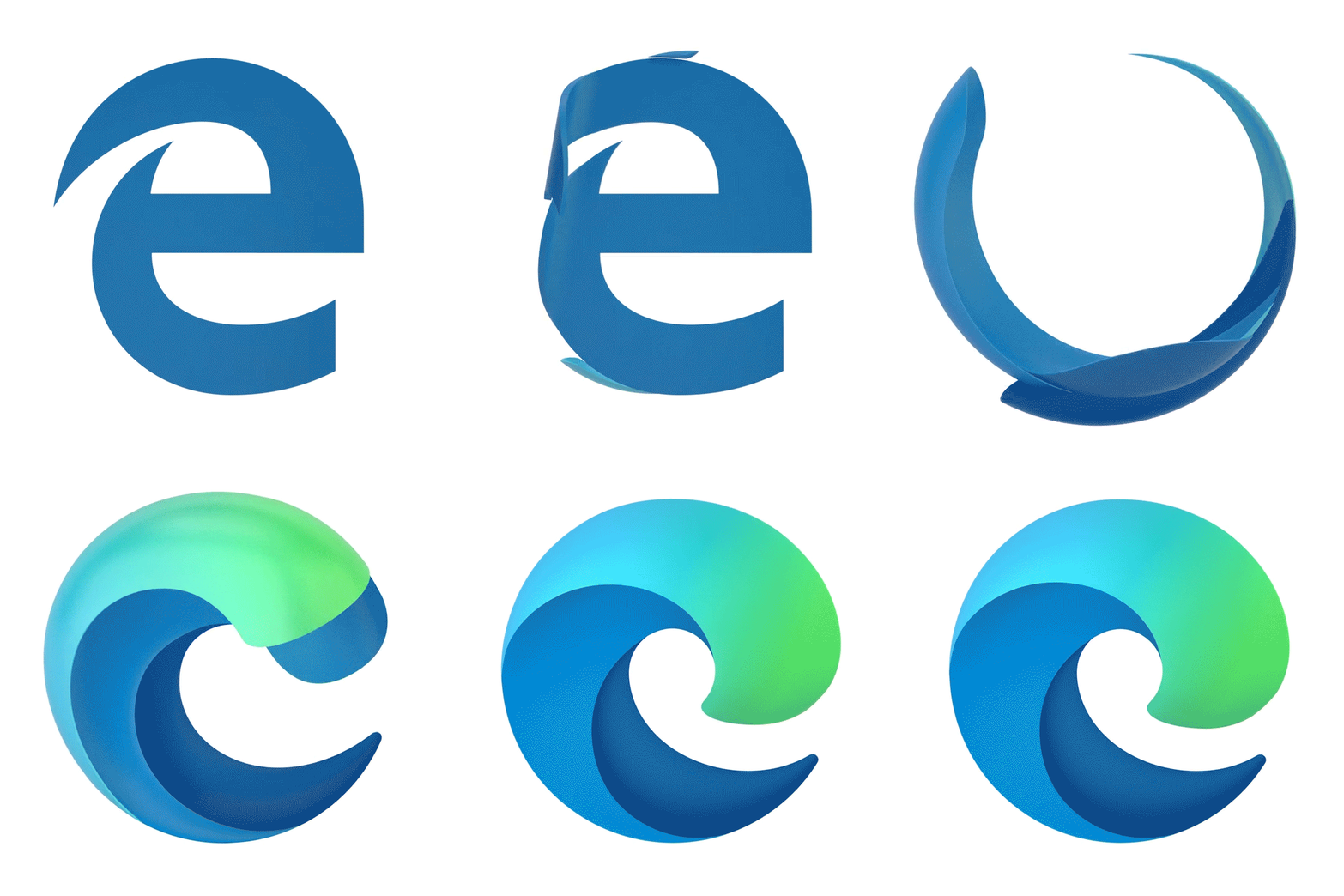
In late 2018, we announced we would be updating the icons in Microsoft Office. And in 2019, those updated icons showed up in the product. These new icons have hues that are bolder, lighter and friendlier but keeps the unique and identifiable symbol for each of the Office apps within the collective suite. Both our fans and customers have responded really well to these new icons for Office so we scaled up our icon design efforts to redesign over a hundred icons across the Microsoft ecosystem.
New Fluent Design icons for several Microsoft apps.
As part of this effort, we also unveiled a new icon to represent the new Chromium-based Microsoft Edge and the new Office Mobile app:
I love these icons. I love the design and I especially love the colors.
We also took a giant step forward in aligning the mobile experiences across all the Microsoft apps with a coherent design. This means bringing Fluent Design to our mobile apps across platforms – not just Windows.
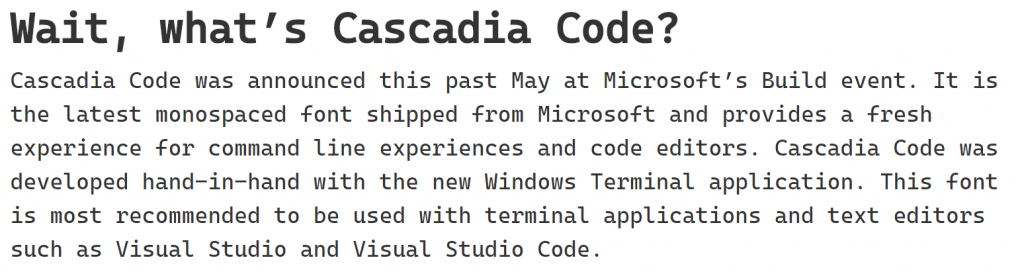
Windows Terminal brings all the command-line goodness you want into a single app with a tabbed user interface which can be customized to exactly how you want it. Windows Terminal uses a GPU accelerated DirectWrite/DirectX-based text rendering engine so the text looks amazing.
And we even developed a brand-new font for Windows Terminal – called Cascadia Code!
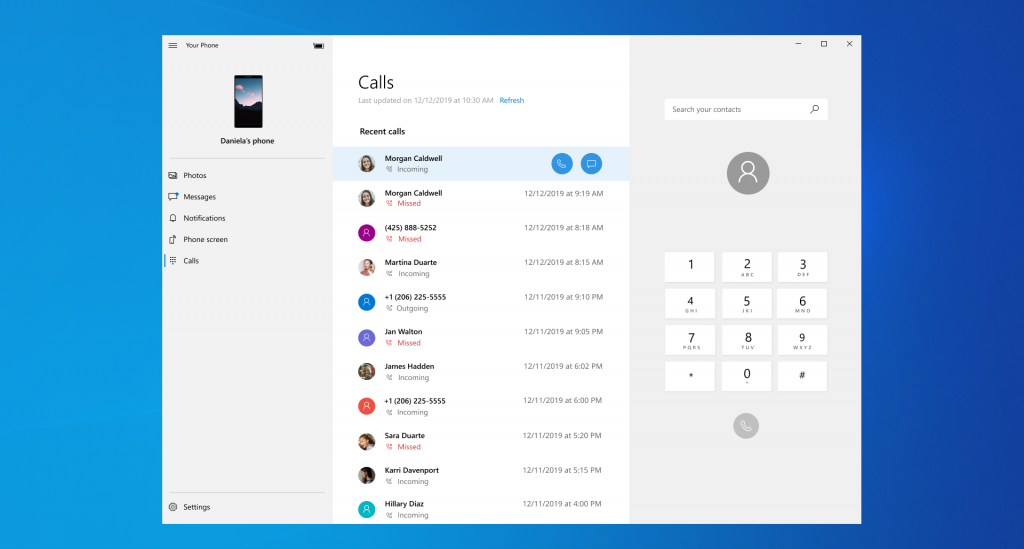
Your Phone had an incredible year of improvements. By linking your Android phone to your PC with Your Phone, you can access your text messages and photos, receive notifications from your phone on your PC, AND answer phone calls! And we also announced a partnership with Samsung that includes integrating Your Phone into their latest Galaxy Note 10 devices – including the feature of mirroring your phone screen on your PC!
We have a lot of amazing new things coming in 2020 – especially Holiday 2020. At our October Surface event, we announced two new foldable Surface devices: Surface Neo and Surface Duo. The Surface Neo will run a new flavor of Windows 10 called Windows 10X that has been designed specifically for foldable devices.
https://youtu.be/fssZICsV4Rg
And the Surface Duo will run Android.
In addition to those new devices, we also announced the brand-new Xbox Series X console that will be the fastest and most powerful gaming console.
And we’re finishing up the upcoming new feature update for Windows 10 (version 2004) that includes new features like Windows Subsystem for Linux (WSL) 2.0 and Virtual Desktop renaming.
So that’s my list – if you think I’ve forgotten something really awesome from Microsoft in 2019, let me know in the comments below or tweet at me!
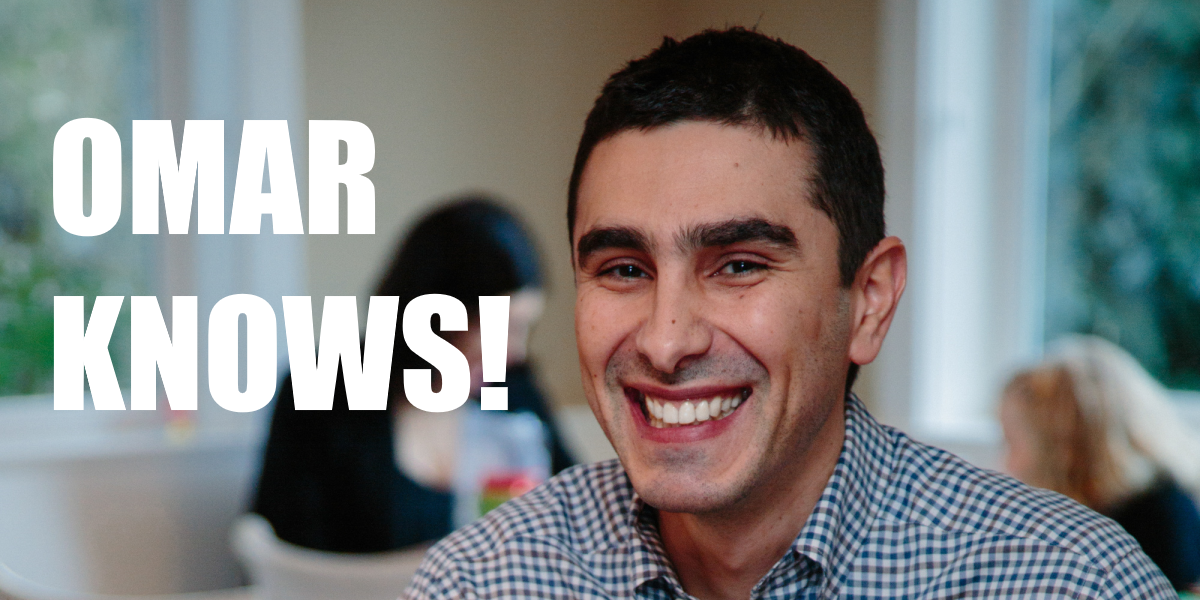
I have been a huge admirer of Omar Shahine for a long time. He is a colleague of mine at Microsoft who works on OneDrive. He is one of the smartest people I know and always has a well-balanced view on the happenings of the technology industry which he shares via his blog. Omar also loves gadgets. He writes about the gadgets he buys on his blog and tells you if he loves them or not. These posts get sent out as part of an e-mail newsletter that gets sent out about every week or so. He started this a couple of years ago. I’m normally not a fan of getting more e-mail but his newsletter has become something I read religiously when it hits my inbox every week. He has covered a variety of different types of gadgets ranging from a wallet to a toaster oven in addition to popular gadgets like the latest iPhone models. Omar’s writing has recently shifted beyond just talking about gadgets to talking about things like travel experiences and lifehacks which I find immensely insightful. Recently, he has written about traveling with his family for 7 weeks and amazing Pro Traveler Tips. The Pro Traveler Tips was very helpful for me before going on my first trip to Europe last year.
I highly recommend you subscribe to Omar’s newsletter for amazing views on gadgets and technology and some pretty amazing tips and tricks for doing things around the house and traveling.
(Sorry, Omar… I couldn’t think of a better featured image to use…)
Continuing my effort to keep fans of the Marvel Cinematic
Universe (MCU) updated on what’s next after Avengers: Endgame and Spider-Man:
Far From Home – here is a roundup of all the new announcements Marvel Studios made
during D23 Expo 2019 over the weekend. I highly recommend reading
my blog post on Phase 4 of the MCU here first so that you can see how everything
fits together with the new announcements from D23.
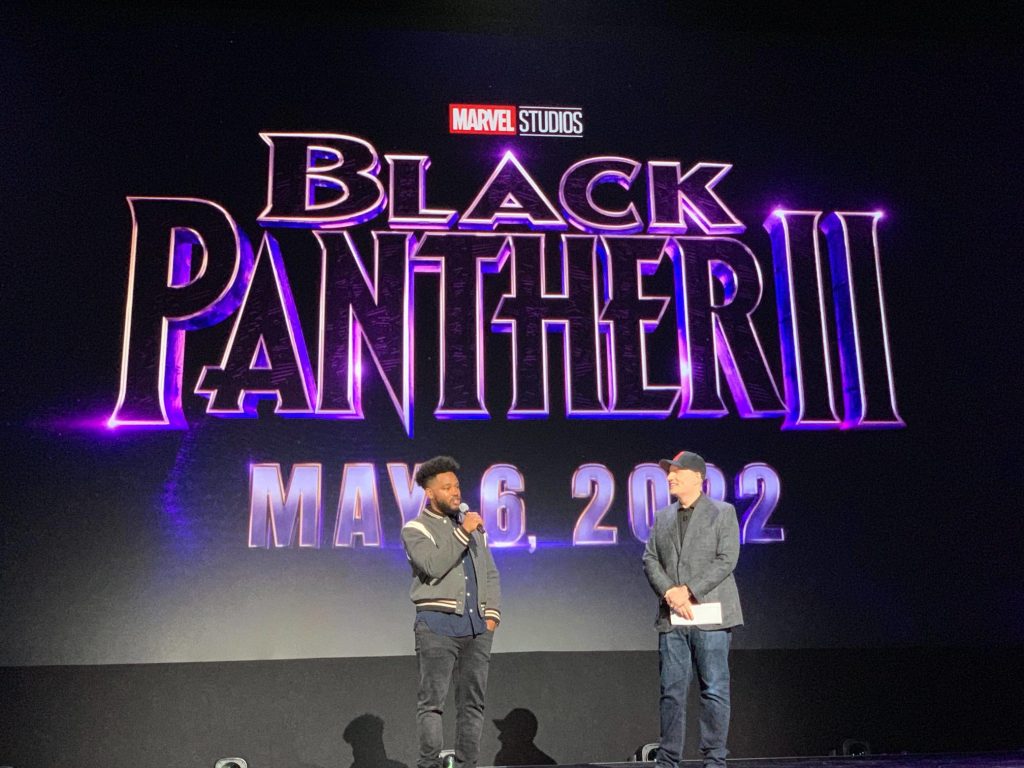
Director Ryan Coogler, who directed the first Black Panther film, joined Kevin Feige on stage at D23 to announce he is returning to direct Black Panther 2 which be released on May 6th, 2022. “Black Panther 2” is not the final title of the film – they apparently just finished the first treatment of the story for the sequel and are not ready yet to reveal the title. They are “taking their time to get it right” with the sequel.
In terms of Phase 4, it was announced the SDCC earlier this
summer that Thor: Love and Thunder was the last film in Phase 4. With Black Panther
2 hitting theaters the spring after Thor: Love and Thunder – it is unclear whether
Black Panther 2 is the final movie in Phase 4 or the first movie in Phase 5. Everything
from Marvel Studios from D23 has been carefully worded to not mention which
phase Black Panther 2 belongs to.
New Details for The Eternals:
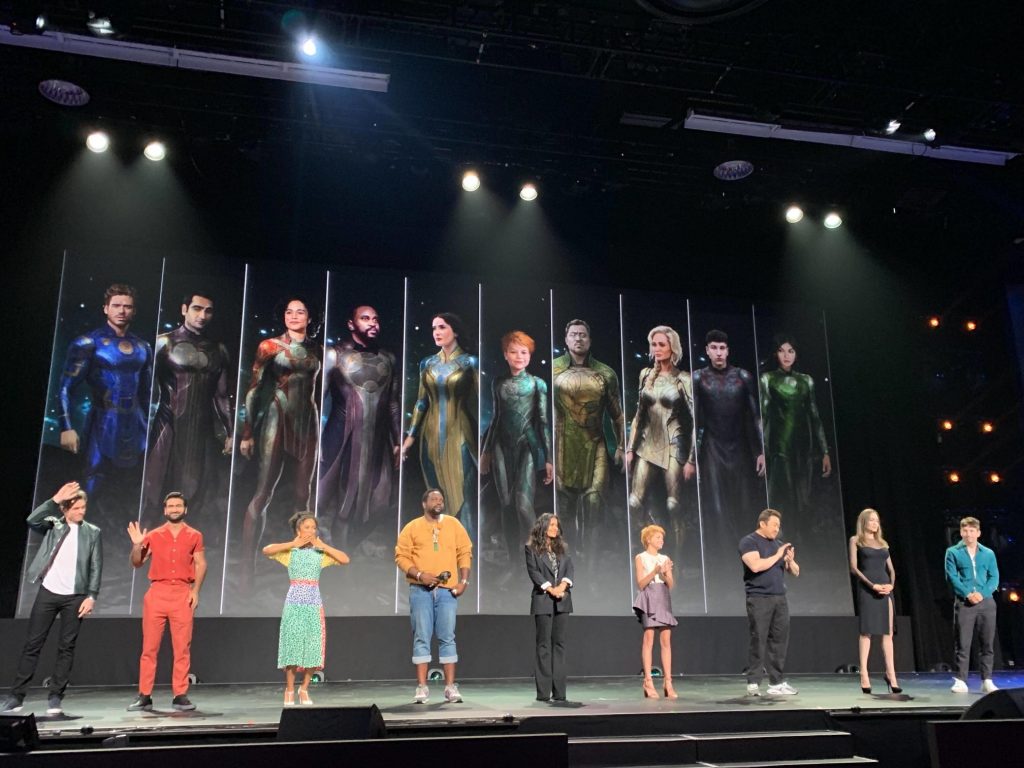
The Eternals hits theaters November 6th, 2020 and at D23 they announced 3 new cast members. arry Keoghan, playing “Druig”, Gemma Chan who will be playing “Sersi” and Kit Harrington will be playing “Dane Whitman” (a non-Eternal character called “Black Knight”). They also showed artwork from the film of all the cast in costume.
New Details Announced for Upcoming Disney+ Shows:
Marvel Studios revealed some more details around the already
announced Disney+ shows.
The Falcon and The Winter Soldier (2020): Emily VanCamp is returning as Sharon Carter who was last seen in Captain America: Civil War and Peggy Carter’s niece. Additionally, it was announced that Wyatt Russell will be playing John Walker – a character fans will recognize as U.S. Agent.
WandaVision (2021): Kat Dennings is returning as
Darcy last see in Thor: The Dark World. And Randall Park is returning as FBI
Agent Woo last seen in Ant-Man and the Wasp.
What If… (2021): Hayley Atwell with be returning to voice
of Peggy Carter in this animated show about “what if” certain events in the MCU
turned out differently than what happened in the movies.
New Disney+ Shows Announced:
Marvel Studios announced 3 new Disney+ shows at D23: Moon Knight, Ms. Marvel, and She Hulk. There was no information of dates or casting for these new shows.
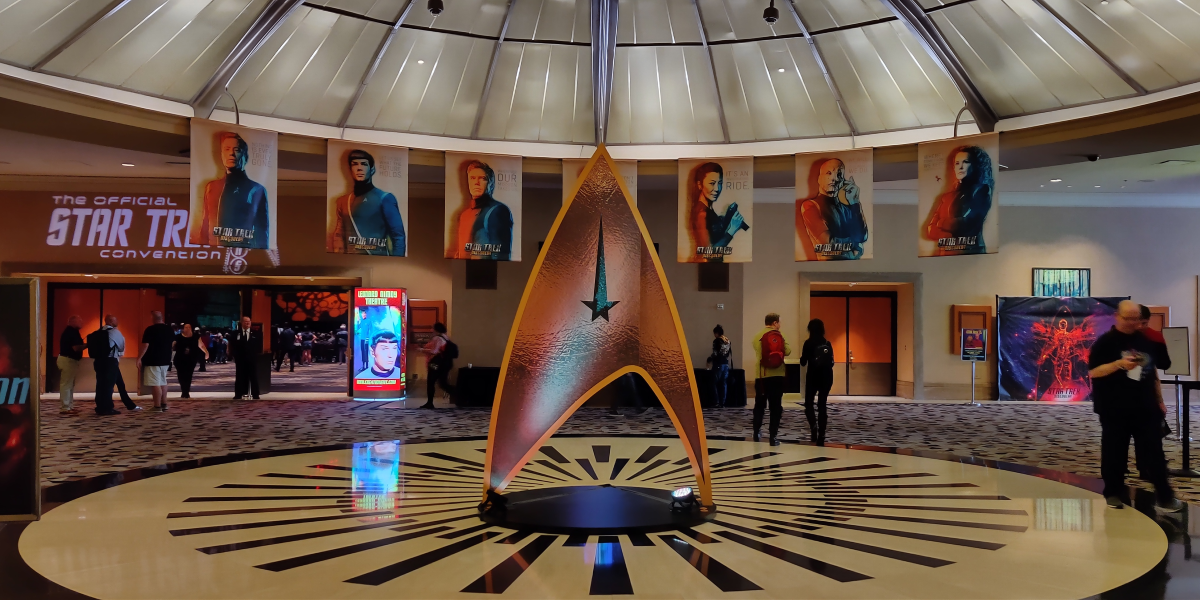
Earlier this month, I made a quick trip to the Official Star Trek Convention in Las Vegas. I made the last-minute decision to go in mid-July which didn’t give me a lot of time to plan so I ended up making it a day trip. The plan would be for me to fly out from Seattle early Saturday August 3rd and then fly back home that evening. I normally don’t do things like this – especially solo travel to a big convention. My social anxiety normally kicks in. And it did a little bit. But I felt it was important to go this year due to the ongoing promotion from CBS for the new Star Trek: Picard series and the upcoming 3rd season of Star Trek: Discovery. I also wanted to stop by to see/meet several vendors who would be at the show who develop Star Trek products I collect. And finally, I wanted to meet some of the actors. With lots of encouragement – I didn’t let my social anxiety win. I went and had a ton of fun and I wanted to share some highlights!
The Convention Itself
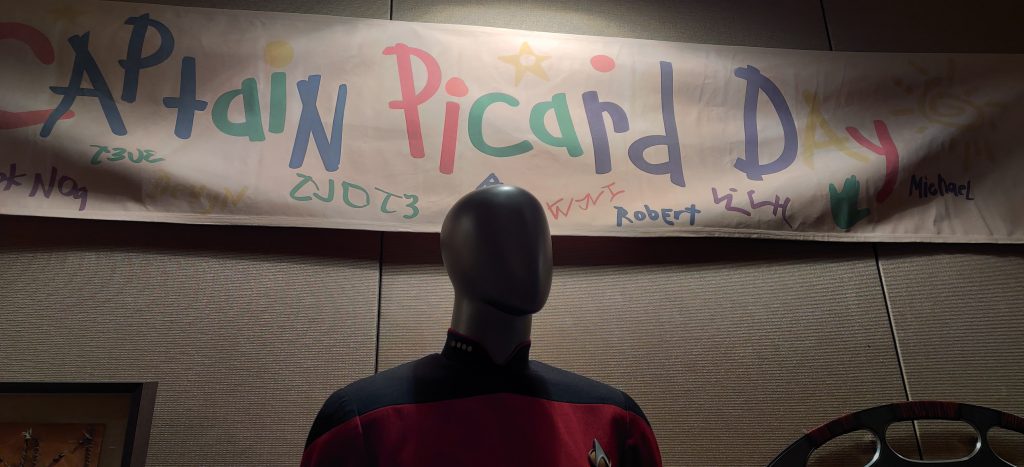
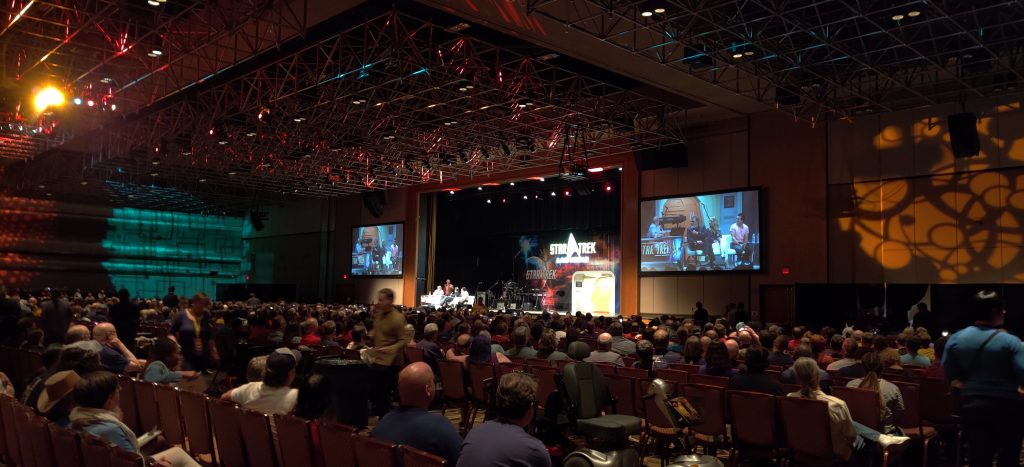
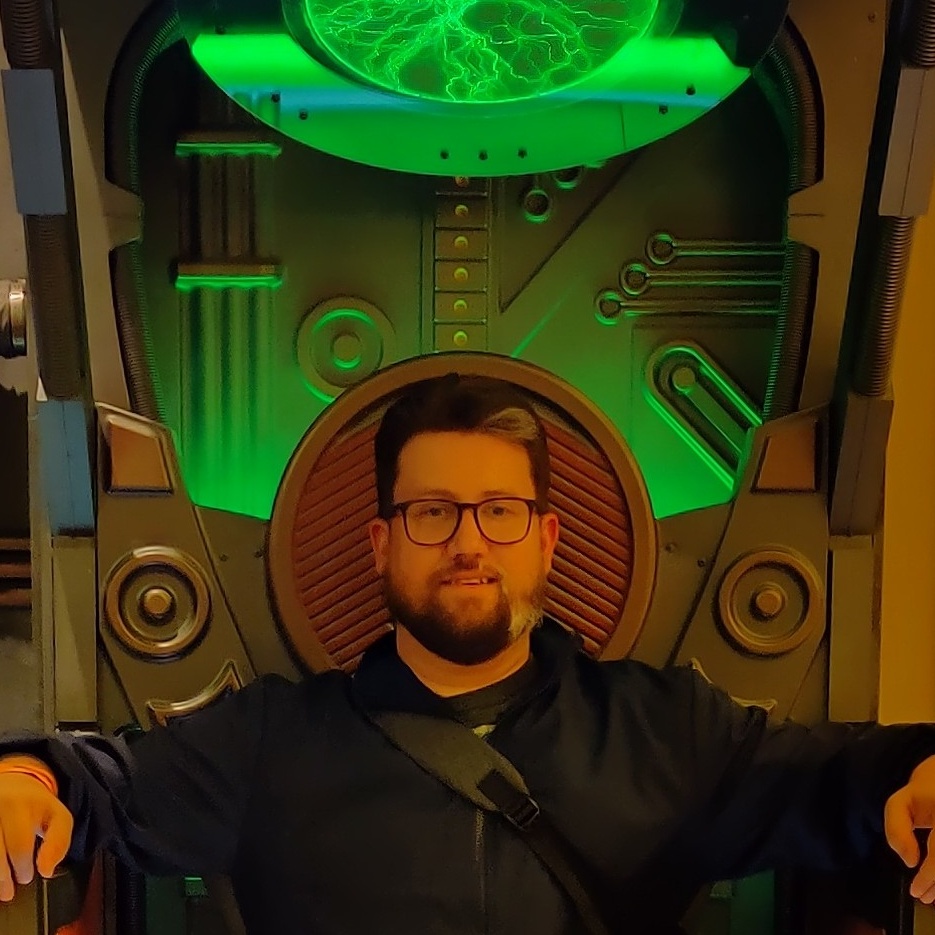
The event was held at a small convention center at the Rio in Las Vegas. It was easy to get my bearings on where things were at as the area wasn’t that big. There were two large ballrooms: one for the main stage events and the other for the vendor expo. There were smaller rooms dedicated to smaller sessions, a place to grab a drink (“Quark’s Bar”), and a few rooms for exhibits and showcases. CBS had a room for the Jean-Luc Picard “The First Duty” exhibit and there was also a room for a Roddenberry VR exhibit. The hallways were decorated with artwork celebrating the 40th anniversary of Star Trek: The Motion Picture (the very first theatrical Star Trek film from 1979) and places to take photos in staged sets such as Borg Alcoves, a Transporter Room, and a Terran Empire Agonizer Booth. There were a lot of people in a wide range of ages and a lot of amazing costumes. I saw young kids with their parents and retired couples – all dressed up together as their favorite Star Trek characters. It was very impressive. And even though there was a lot of people, it didn’t feel too overwhelming like big conferences tend to do for me. But maybe the Romulan Ale helped.
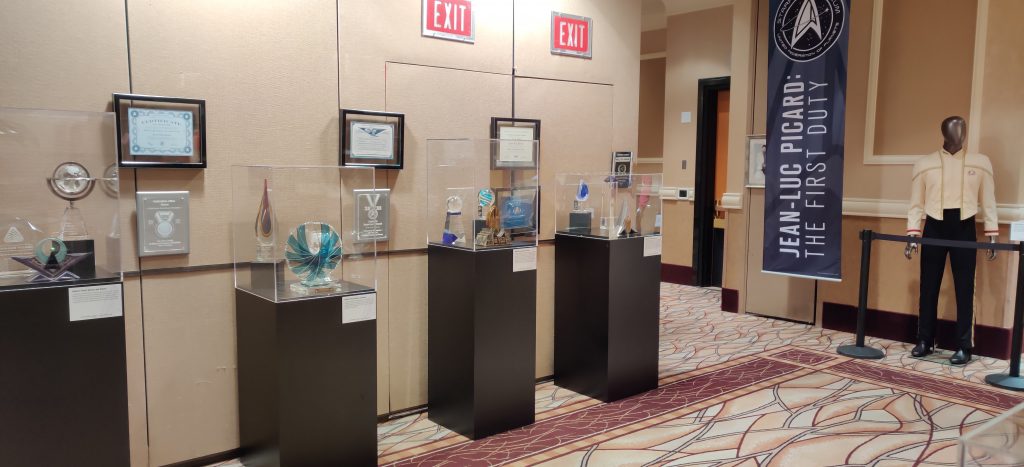
The First Duty: The Jean-Luc Picard Exhibit
CBS brought the same Jean-Luc Picard exhibit they had at SDCC to this convention and it was the very first thing I did when I got there. I literally went straight there. I really wanted to see this exhibit. It takes you through the career of Picard from his early years in Starfleet through his cadet years to commanding the Stargazer and then this his years as captain of the Enterprise. You get to see Picard’s various uniforms over his years of service, as well as mementos from his adventures such as the Ressikan flute from the Star Trek: The Next Generation episode “The Inner Light” and Kurlan naiskos given to Picard from Professor Galen in the episode “The Chase”.
There were also items on display
that fill in some gaps on events that happened between the new Star Trek: Picard
series and the last time we saw Picard in Star Trek: Nemesis. I plan to write
another blog post on filling in these gaps. CBS is being really creative on
filling in some history that happened which will play a part in the new Picard
series.
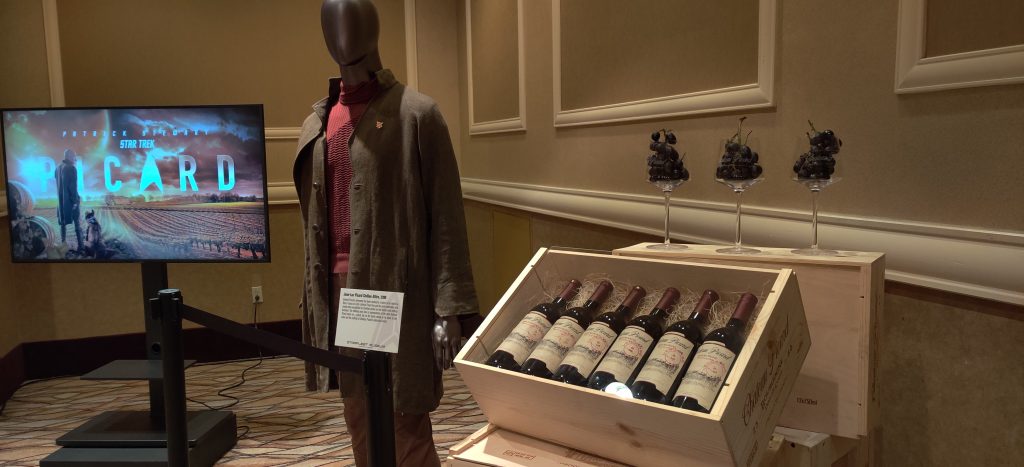
Finally, the exhibit ends with a
peek at Picard’s attire from romping around his family’s vineyard in La Barre,
France after retiring from Starfleet and what we’ll see him wearing in Star
Trek: Picard. And Chateau Picard wine.
The Star Trek: Picard Panel
Jonathan Frakes, Jeri Ryan, and Jonathan Del Arco were on the panel to talk about the new series. We know Jonathan Frakes is returning at Riker (in addition to directing two episodes), Jeri Ryan is returning as Seven of Nine, and Jonathan Del Arco is coming back to the role of Hugh. There wasn’t a whole lot of new things talked about on the panel, most of it was things we already heard from SDCC the week before. They re-played the trailer which I had already watched a thousand times but loved seeing again. Everything around the new Picard show is surrounded by secrecy so that fans will be surprised and delighted when they watch the show. To illustrate how tight security was at protecting elements of the show, Jonathan Frakes was wearing a t-shirt that said “Don’t ask me, I signed an NDA!”
There were two things that struck
me while watching the panel despite the lack of anything new. First – the
chemistry between Jeri and Jonathan Del Arco is awesome. I really loved
watching them go back and forth and I truly hope their characters interact in
the new show with the same energy. I call them “Borg Besties”:
Second – the highlight of the panel
is Jonathan Frakes describing an interaction between him and Patrick Stewart
after shooting a scene for the show that has all the feels:
“And Patrick says: ‘I think we have done it, Johnny.’ And I said: ‘I think so too.’ So, we walk and it is just the two of us. The entire company of 150 people have moved on to the next set, which is in another part. And he says ‘Is there anything better than spending the day with filmmakers who know what they are doing and be able to work with people you love?’”
Teaching with Trek – Engage with STEM
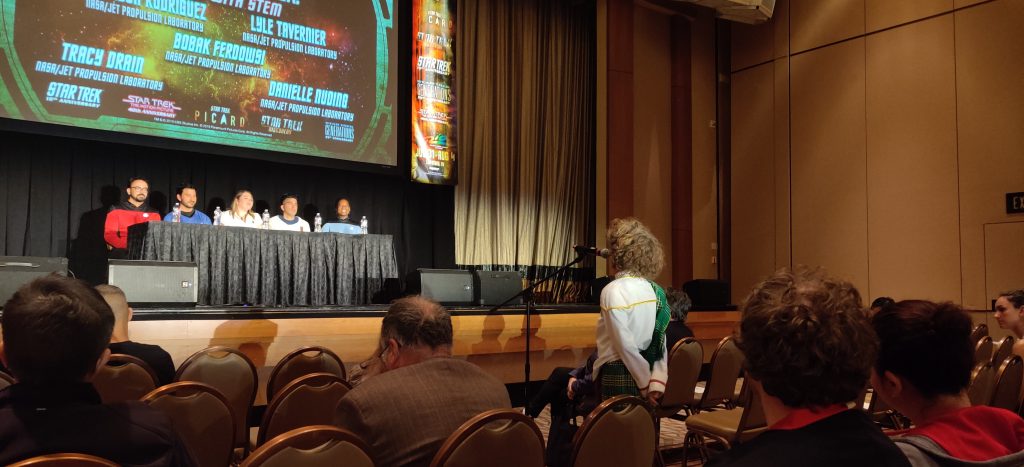
Bobak Ferdowsi, Brandon Rodriguez, Danielle Nuding, Lyle Tavernier, and Tracy Drain from NASA Jet Propulsion Laboratory (JPL) did a session at the convention about how they got involved in STEM. STEM stands for science, technology, engineering and math. The scientists talked about ways to help students develop skills in the disciplines of STEM. And they took questions from the audience about working in STEM and offering advice to some of the young people there. I absolutely loved seeing this session. Seeing parents bringing their kids to this convention and then prioritizing sessions like this one really made me smile.
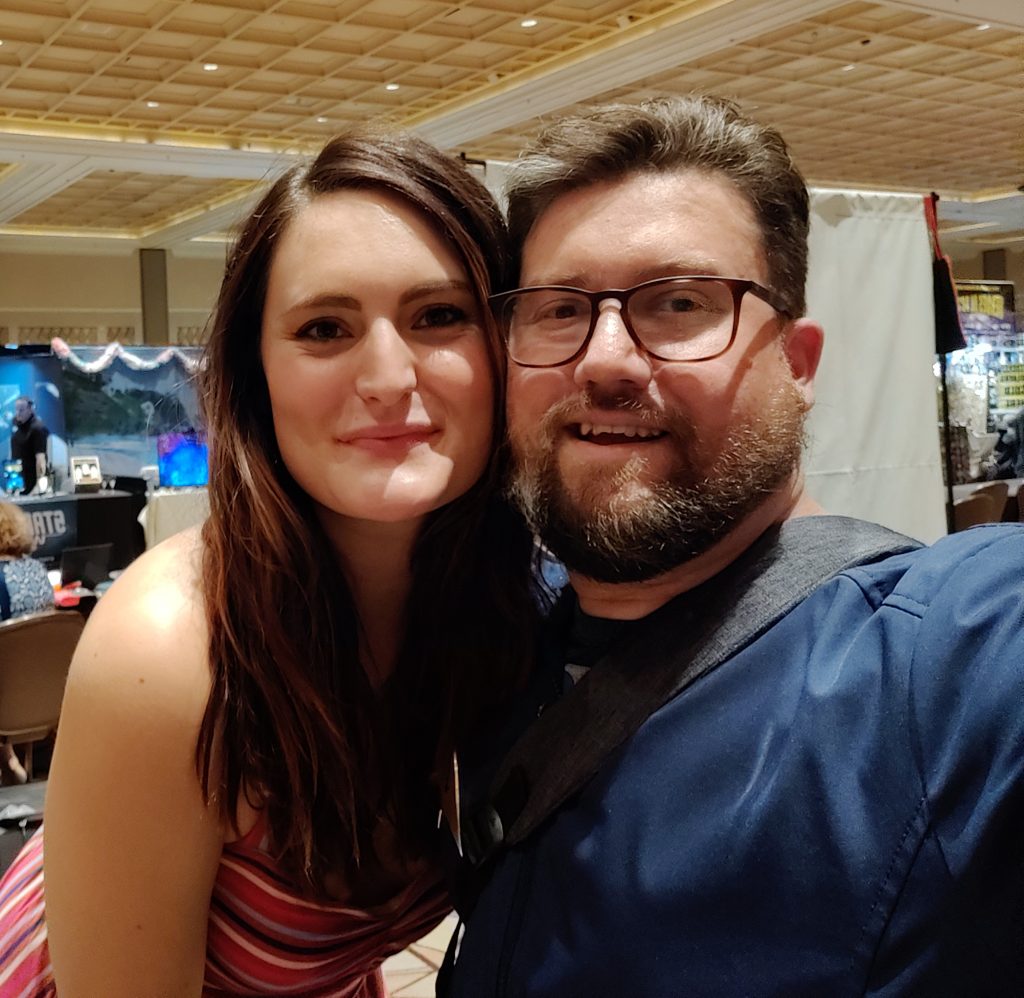
Meeting Mary Chieffo
When I decided to go to this
convention and make it a day trip, I knew I couldn’t do everything and see all
the actors. To make the best out of the trip, I was very specific on who I
wanted to see, and Mary Chieffo
was at the very top of the list. In case you don’t know, Mary played the
kickass Klingon Chancellor
L’Rell (or “Mother”) on the last two seasons of Star Trek: Discovery. I believe
that L’Rell is probably one of the best female Klingons we’ve ever seen on any
Star Trek series or movie and its because Mary is such an amazing actress. She
took how the writers wrote the character in the show and made L’Rell really stand
out. It’s like what Andrew Robinson did with Garek on Star Trek: Deep Space
Nine. I’ve been following Mary on Twitter ever since Season 1 of Discovery and
she’s been great about engaging with fans including myself. Meeting her in
person was wonderful! And yes – she’s very tall. I am looking forward to seeing
her in other roles in other TV shows and movies.
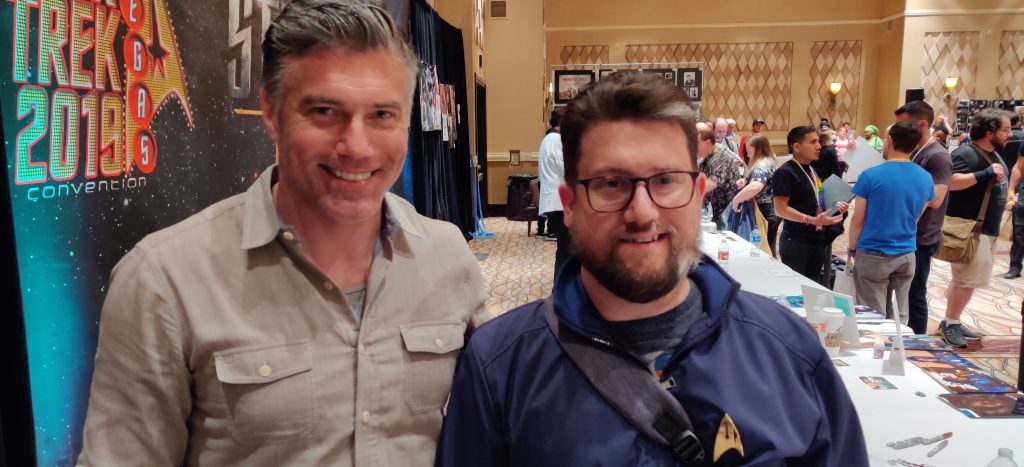
BONUS: Meeting Anson Mount
Anson Mount as Captain Pike has been one
of most favorite things about the second season of Star Trek: Discovery. Anson’s
Pike represents exactly how a Starfleet captain should be and how they
represent the values of Starfleet and the Federation. I think this quote from
Captain Pike from the episode “Through
the Valley of Shadows” summarizes exactly who Pike is:
“You are a Starfleet Captain. You believe in service, sacrifice, compassion, and love.”
In going to the convention for just the day, I didn’t anticipate getting to meet any of the other actors outside of Mary. But there was a small moment where the line for Anson wasn’t very long and my gut told me I’d regret it if I didn’t take advantage of the opportunity. So I got in line. And… I got to meet him! I have Captain Pike’s autograph! In support of Anson, I also want to mention he does a podcast too that I think you should check out.
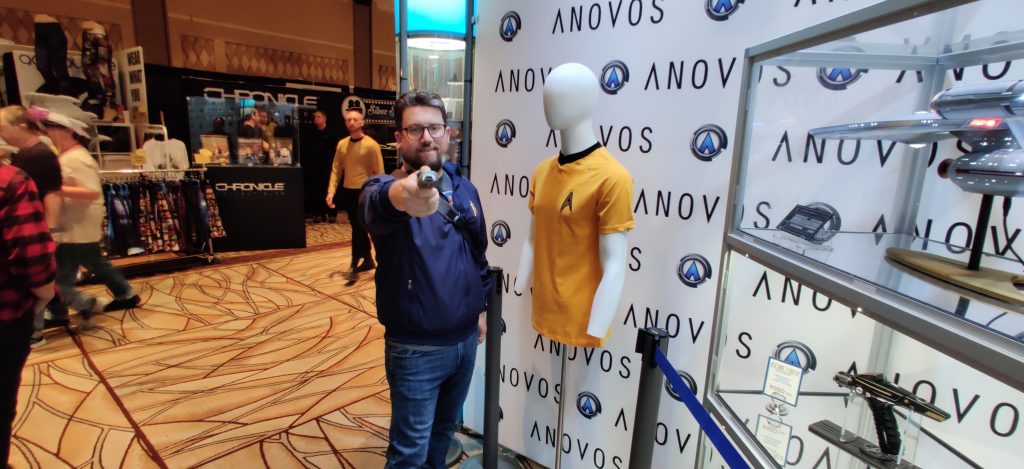
The ANOVOS Booth
There were a handful of vendors I
wanted to see at the convention and ANOVOS
was #1. All my Starfleet uniforms come from them and I’m
a big supporter of the company with lots of cool stuff on order – including
a Star
Trek: Discovery command uniform. Sadly, they did not have their Discovery
uniforms on display at their booth. While at their booth, I did get to check
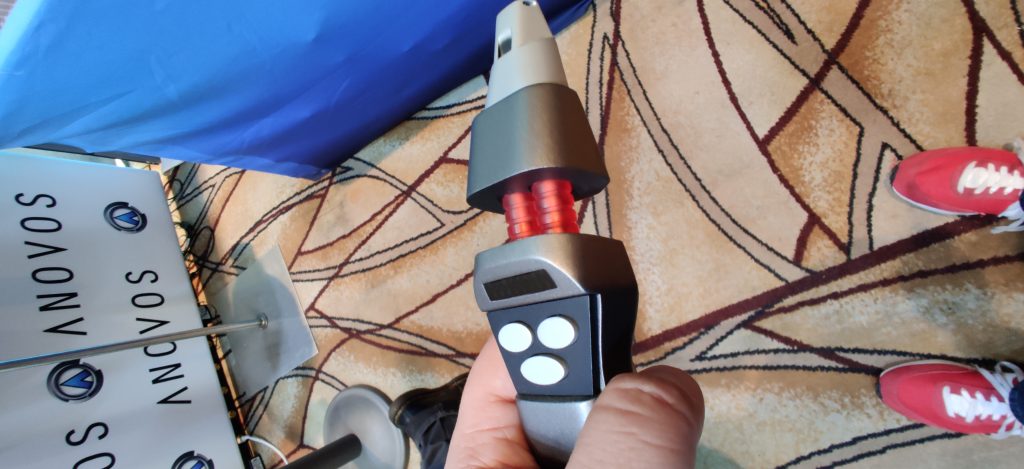
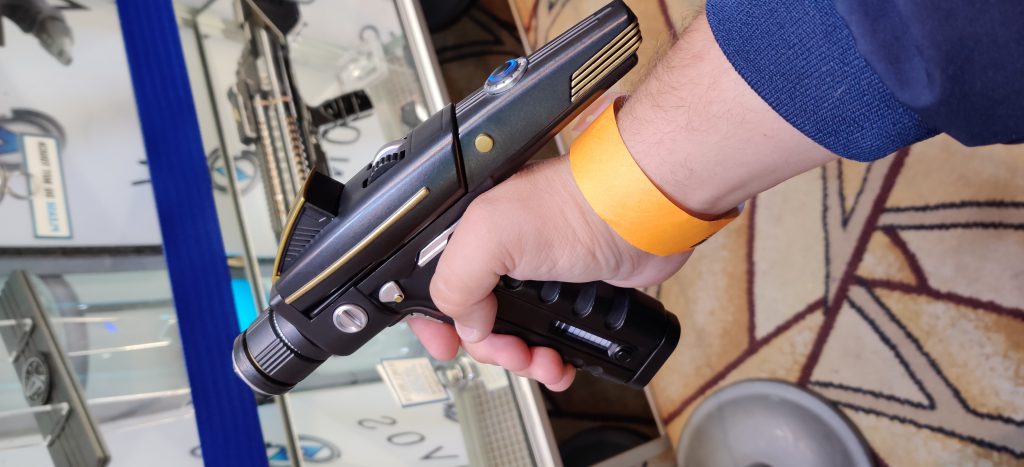
out their Star Trek Nemesis Type II Hand Phaser as well as the Star Trek:
Discovery Phaser and Phaser Rifle. I’ve got the Discovery Phaser on order. These
props are incredibly accurate and include LED lights and working buttons.
Special shout out to ANOVOS’s John
Cooley who I finally got to meet in person at their booth. John’s been
absolutely fantastic in talking about ANOVOS’s Star Trek products.
And they offered attendees the
ability to purchase their new
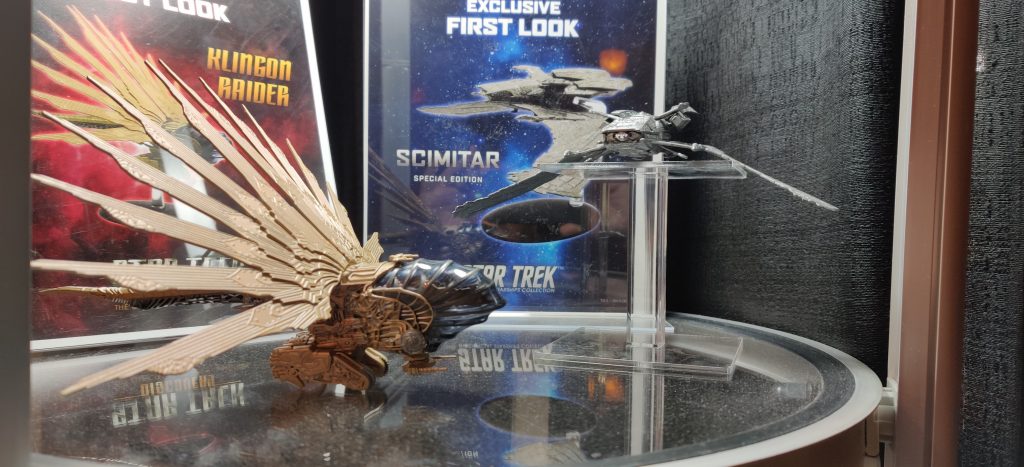
Akira Class U.S.S. Thunderchild model from their XL line. And I picked one
up! The Akira Class starship design is one of my favorite starships design
outside of the Enterprises and Discovery.
Shout out to Nils from Eaglemoss
for taking the time to chat about starships.
Other Items of Note
I picked up a copy of the Backers Edition of the
Star Trek: Deep Space Nine documentary “What
We Left Behind”. I was surprised that this didn’t have a heaver presence at
the convention since it was very close to the release date. Instead, they had a
small table in one of the far back corners of the vendors hall. I finished
watching this though and HIGHLY recommend it for any Star Trek fan.
When I picked up my copy of the DS9 doc, I also
met the actor Andy Bray
who played Chekov in the fan-made Star Trek: New Voyages. New Voyages continues
the adventures of the Original Series crew with all the classic set designs,
visual effects, and costumes just as if the show wasn’t canceled in 1969. It
also served as the precursor to the fan-made Star Trek: Continues series. Andy
co-wrote a book with John Lin who played Sulu in New Voyages called “Making
Fake Star Trek”. I picked up a copy which Andy signed.
I am so very glad I fought back my
anxiety and pushed myself to attend this year’s Star Trek Convention in Las
Vegas. I had a ton of fun and I met some of the actors and vendors I’ve always
wanted to meet. And I got to experience the Jean-Luc Picard exhibit too. Upon
reflection, I think I should have at least stayed one night so I could have
enjoyed things without needing to be mindful of the time and getting back to
the airport for my flight home. There were evening activities I might have
enjoyed. I am seriously considering going next year!
And special thanks to Holly Amos for letting me tag along at the convention for a little bit! She is awesome!
NOTE: All pictures taken from the convention were taken using the OnePlus 7 Pro.
Spider-Man: Far From Home marks the end of what Marvel now refers to as The Infinity Saga. The Infinity Saga is all the Marvel Cinematic Universe (MCU) movies from Phase 1 – 3. And at San Diego Comic-Con last week, Marvel unveiled the line-up for Phase 4 which kicks off a new series of storylines. Phase 4 consists not only of new movies but also a new series of shows that will be part of the new Disney+ streaming service that tie-in directly to the movies. Here is the outline of Phase 4:
The first new movie of Phase 4 kicks off with Scarlett Johansson reprising her role of Natasha Romanoff AKA The Black Widow. Joining here is David Harbour as Alexei AKA The Red Guardian, Florence Pugh as Yelena, O-T Fagbenle as Mason, and Rachel Weisz as Melina. Not much is known about the plot but the movie is thought to be a prequel and takes place immediately following Captain America: Civil War which saw Natasha on the run.
This is the first Marvel Studios show developed for Disney’s new streaming service called Disney+. It picks up after the events of Avengers: Endgame, and follows Sam Wilson AKA The Falcon and Bucky Barnes AKA The Winter Soldier—in a series of action-filled adventures. Anthony Mackie and Sebastian Stan reprise their roles and Daniel Brühl will return as the villain Baron Zemo last seen in Captain America: Civil War. Rumor has it that during this series, we will see Sam Wilson officially take over as the new Captain America.
This movie will introduce a new team of heroes in the MCU not unlike what Guardians of the Galaxy did. The movie stars Richard Madden as Ikaris, Kumail Nanjiani as Kingo, Lauren Ridloff as Makkari, Brian Tyree Henry as Phastos, Salma Hayek as Ajak, Lia McHugh as Sprite, Don Lee as Gilgamesh, and Angelina Jolie as Thena.
This movie will introduce another new hero to the MCU which will bring together several pieces hinted at in previous MCU movies going all the way back to Iron Man in 2008. The movie stars Simu Liu as Shang-Chi, Awkwafina in a yet-to-be-disclosed role, and Chinese actor Tony Leung as the REAL Mandarin. If you recall in Iron Man 3, a fake version of the Mandarin was hired by Aldrich Killian and played by Trevor Slattery (Ben Kingsley). In the Marvel One Shot “All Hail the King”, the real Mandarin sends one of his followers to visit Trevor Slattery in jail. I imagine we’ll see these elements play a part in this movie.
This will be another Disney+ series and see Paul Bettany reprising the role of Vision and Elizabeth Olsen returning to the role of Wanda Maximoff/Scarlet Witch. Additionally, it was revealed that Teyonah Parris will be playing the grown-up version of Monica Rambeau, who was introduced in Captain Marvel as a kid.
This will also be a Disney+ series that stars Tom Hiddleston as Loki. It will answer the question of “Where did Loki go when he took the Space Stone (the Tesseract)?” in Avengers: Endgame.
In the sequel to Doctor Strange, Benedict Cumberbatch returns as Doctor Stephen Strange and Elizabeth Olsen joins him as Wanda Maximoff/Scarlet Witch. The events of the Disney+ series WandaVision will tie-in directly to the movie’s plot.
This show will be on Disney+ and will be the first animated series in the MCU. The show will tell stories that present alternate realities in the Marvel Universe. Many of the actors from across the MCU will reprise their roles as voice talent in the series however Jeffrey Wright will be the voice of the popular character The Watcher in the series.
Another Disney+ show which has Jeremy Renner returning to the role of Clint Barton AKA Hawkeye. The show will introduce Kate Bishop, a character well-known in Marvel Comics. It is believed that in the show, Clint Barton will hand over the role of Hawkeye to Kate Bishop.
In the 4th Thor movie, Chris Hemsworth and Tessa Thompson return to their roles. And Natalie Portman returns as Jane Foster who will become the Mighty Thor just like in the comics. Thor was last seen heading off with the Guardians of the Galaxy at the end of Avengers: Endgame.
Phase 5 + Beyond:
Marvel Studios has their Phase 5 plans nearly locked but I don’t imagine we’ll hear much on this for another year or two. However Marvel Studios Chief Kevin Feige has confirmed that Black Panther 2, Captain Marvel 2, Guardians of the Galaxy Vol. 3 and the next Spider-Man are in active development and likely part of Phase 5. For Guardians of the Galaxy Vol. 3, Director and Writer James Gunn returns and will be focusing on this once he completes his next movie which is The Suicide Squad for DC/Warner Bros.
Marvel Studios also announced at SDCC that actor Mahershala Ali will be Blade in the MCU with a new Blade movie coming! You may recongnize the actor – Mahershala played the villain Cornell Stokes AKA Cottonmouth in the first season of the Marvel/Netflix show Luke Cage.
As a huge fan of the Marvel Cinematic Universe, I plan to continue to blog about the developments from Marvel Studios to help other fans stay on top of what’s going on with these movies and now TV shows.
50
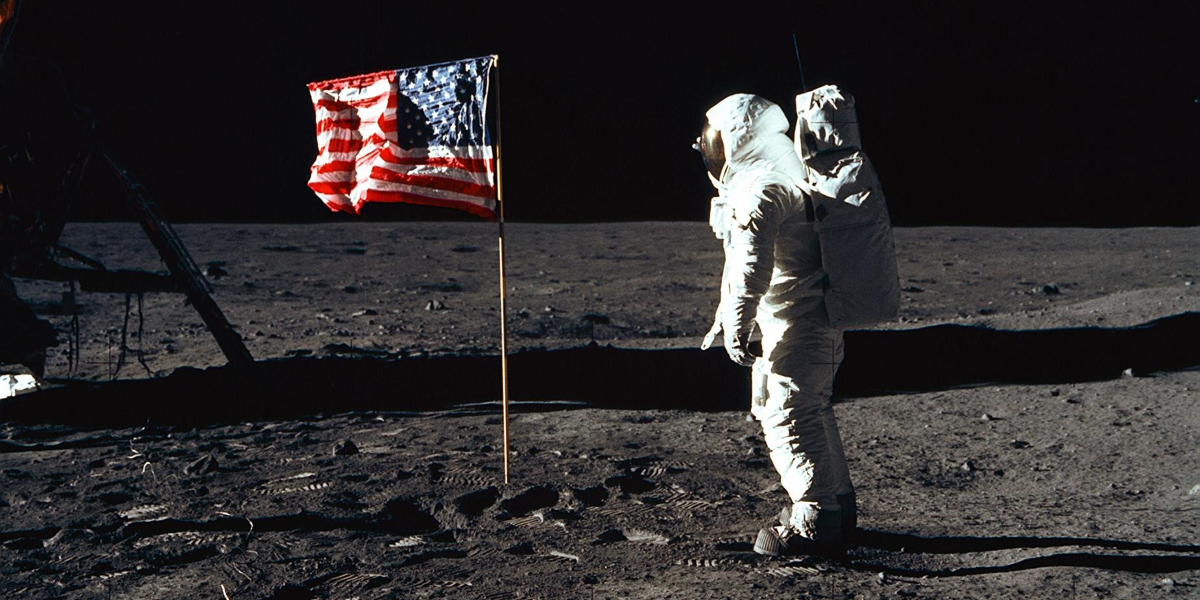
years ago today, Apollo 11 blasted off from Cape Kennedy carrying
astronauts Neil Armstrong, Buzz Aldrin, and Michael Collins to the moon. 5 days
later, Armstrong and Aldrin would successfully land their Lunar Module “Eagle”
on to the lunar surface while astronaut Michael Collins remained in lunar orbit
aboard the Command Module “Columbia”. And Neil Armstrong would become the first
human to walk on the moon.
Even though Apollo 11 was an
achievement to be celebrated by all of mankind, Apollo 11 marked the climax of
the space race between the United States and the Soviet Union. The United
States beat the Russians to the moon and achieved the goal set forth by
President John F. Kennedy in 1961 of successfully landing a man on the surface
on the moon and returning them safely to Earth. While on the lunar surface,
Armstrong and Aldrin spent nearly 2.5 hours outside the Lunar Module where they
collected 47.5 pounds of moon rocks to bring back to Earth and taking lots
and lots of photos among other experiments such as deployment of a solar wind
composition experiment, seismic experiment package and a Laser Ranging
Retroreflector. Upon returning to Earth, the Apollo 11 astronauts had to
fill out a customs form to declare the moon rocks they brought back –
marking the end of their historic mission after their Command Module splashed
down in the Pacific.
I have pulled together a bunch of
ways to celebrate Apollo 11 on the anniversary of the historic mission this
week:
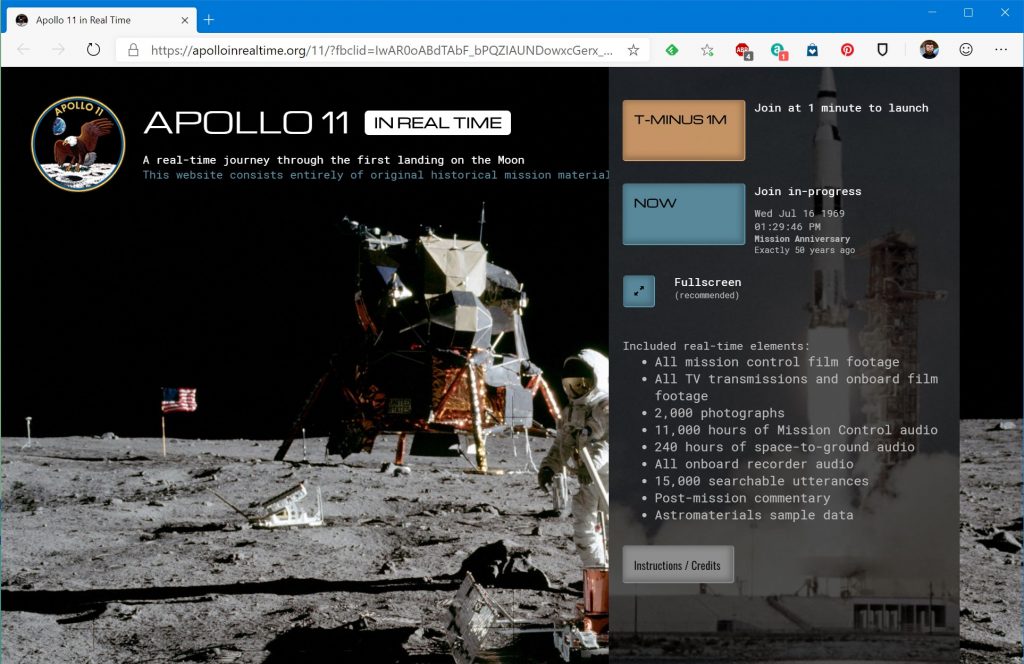
Spaceflight historian Amy Shira Teitel is live tweeting
everything that happened during the Apollo 11 mission exactly when it happened
50 years ago. You should check her tweets out for all kinds of interesting
facts and stories about what happened during the historic mission.
I'm bringing back my #Apollo11 LIVE TWEET! From July 16-24, my feed will be reliving the mission, from big mission events to tiny human moments, exactly when and as they happened (with a 50-year time delay) It's going to be a lot, but super fun! 🚀 pic.twitter.com/LjGGdLgBtY
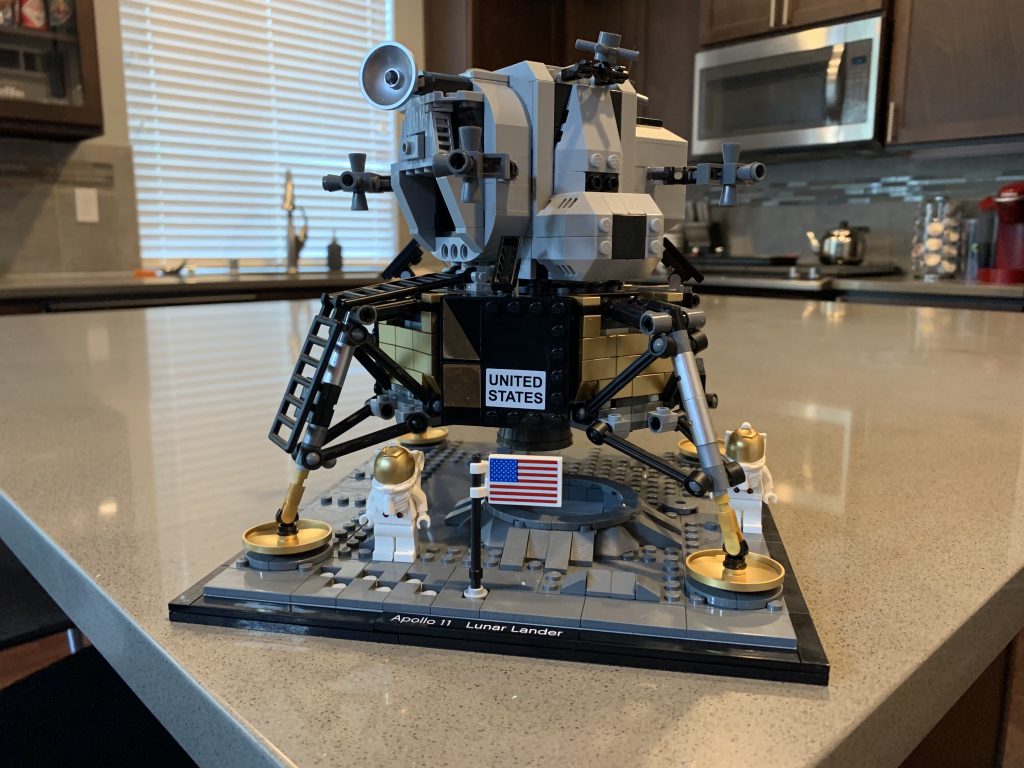
The 1,087-piece LEGO set of the
Apollo 11 Lunar Lander “Eagle” is one of the most amazing LEGO sets I have ever
built. It’s highly detailed – including separate ascent and descent stages,
gold-colored landing pads and panels, opening camera and laser hatches and a
ladder, brick-built video camera and laser reflector. And as you build the
Lunar Lander, you get little factoids about the spacecraft! Totally worth $99.
Additionally, if you’re up for an
even BIGGER challenge – you can check out the LEGO
Saturn V set. I’ve built this too and this set gives you a good idea of the
scale of this rocket. The set includes details such as removable S-IC first
rocket stage with main rocket engine details, removable S-II second rocket
stage with rocket engine details, removable S-IVB third rocket stage with the
Apollo spacecraft and rescue rocket at top of the whole spacecraft.
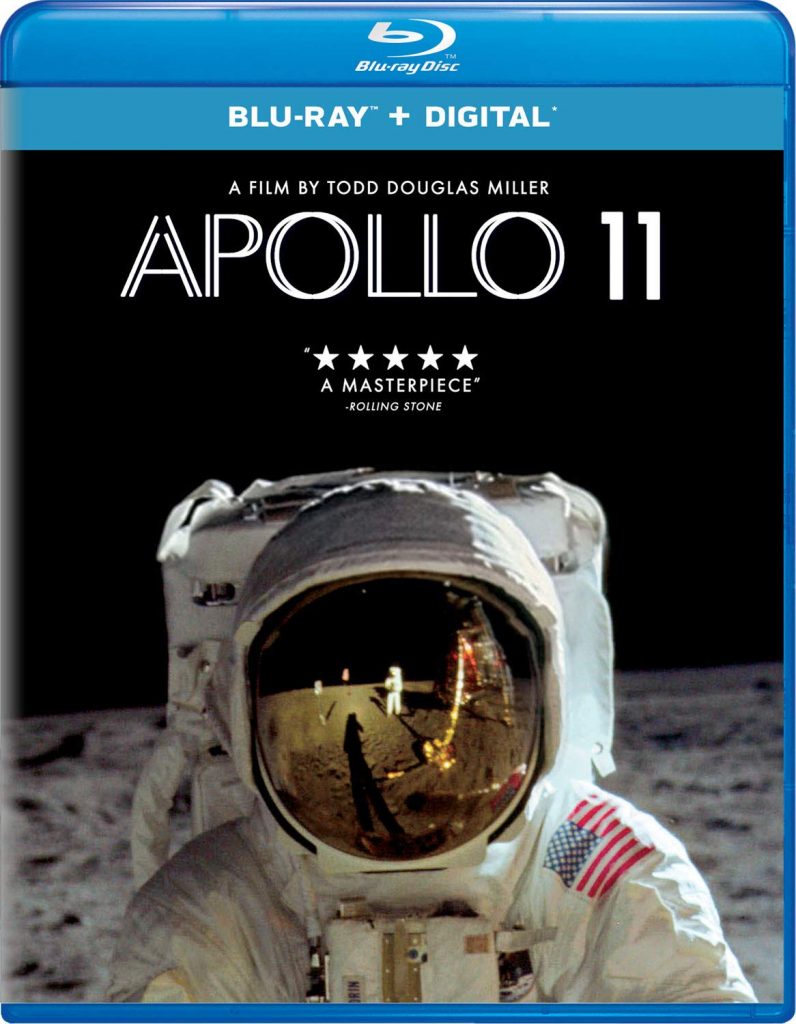
Director Todd Douglas Miller takes
newly discovered 65mm footage and more than 11,000 hours of uncatalogued audio
recordings along with interviews with astronauts and other NASA personnel to
take you through the entire Apollo 11 mission from blast off to splash down.
This movie is absolutely stunning in HD and if you have a good sound system,
it’s even better. I highly recommend this movie for anyone who wants to get a genuine
and authentic look at Apollo 11 with amazing visuals and audio.
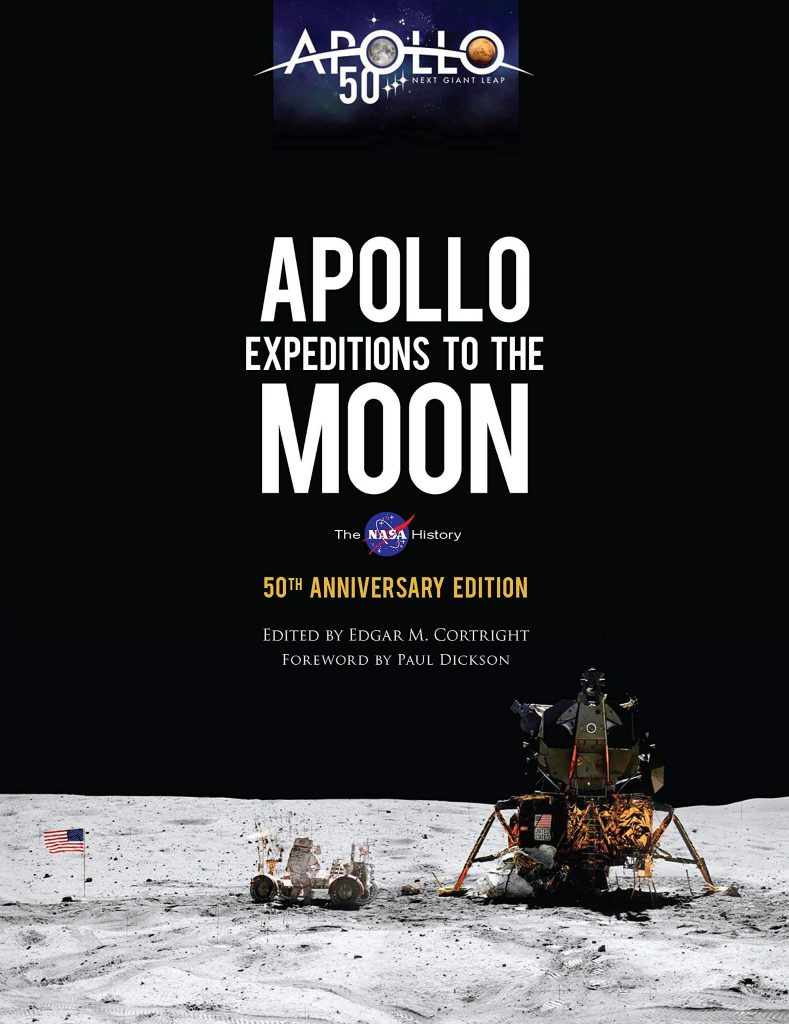
This is an official NASA
publication re-released for the 50th anniversary of Apollo 11. You
get interviews with astronauts as well as colored and black and white diagrams
of the technology used in the Apollo missions.
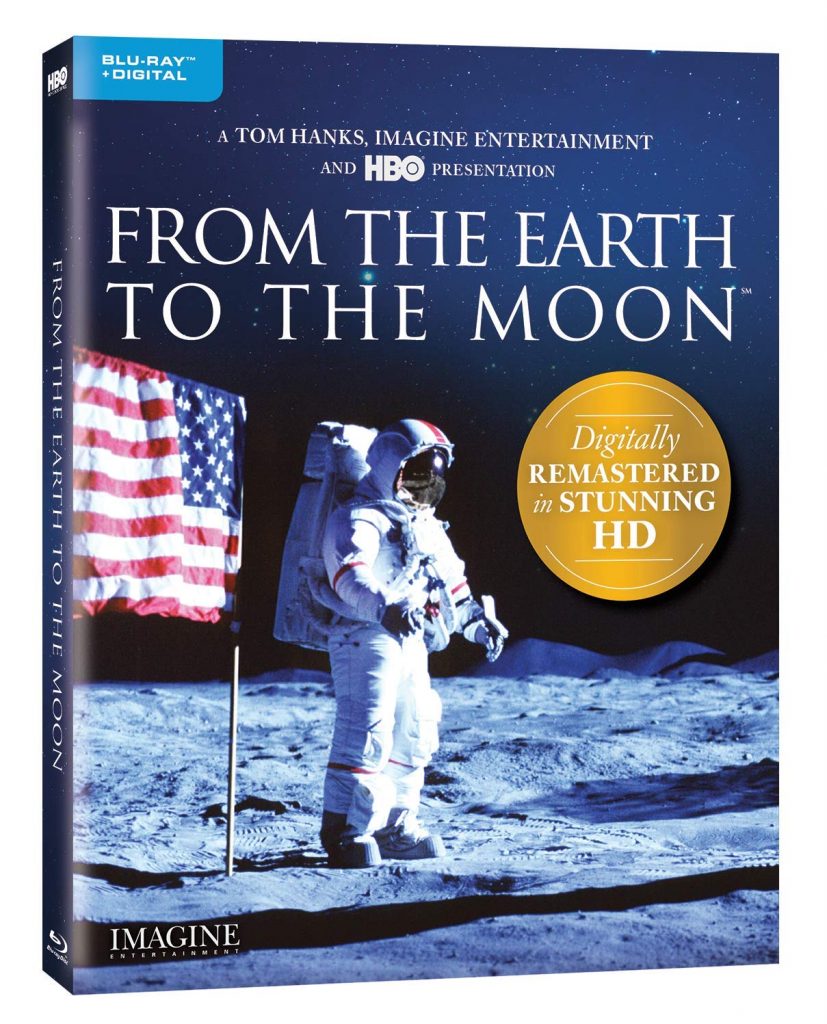
This HBO 12-part mini-series aired
in 1998 and was co-produced by Ron Howard, Brian Grazer, Tom Hanks. It tells the
story of the Apollo missions starting with the Mercury and Gemini missions. They
just released an updated Blu-ray version of the mini-series that has been
re-mastered in HD. What I really love about this mini-series is that it
highlights the stages and goals NASA needs to achieve in marching toward
landing a man on the lunar surface. Getting to the moon took a lot of testing.
Each Mercury, Gemini, and early Apollo missions were meant to complete certain
goals prior to Apollo 11 getting to the moon. I highly recommend this
mini-series if you want a fantastic overall look at the space program of the
1960’s and early 1970’s.
My copy of this just arrived today and this is what I’ll be
watching for the rest of the week after work!
The Wall Street Journal has done an
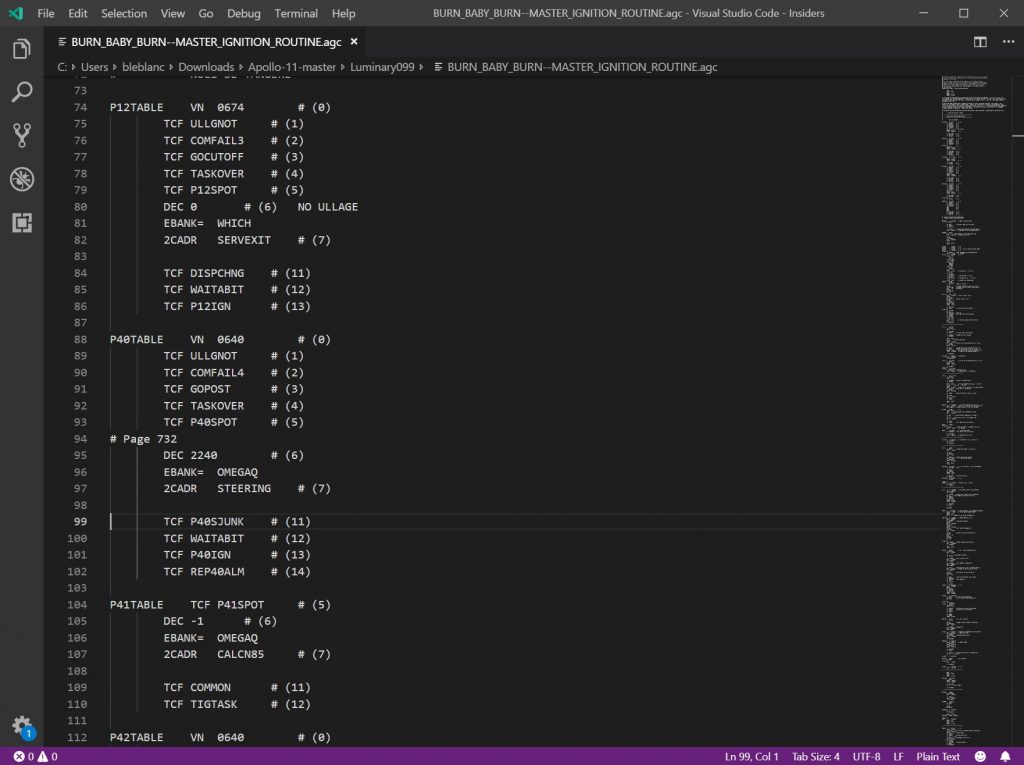
article today about the software behind Apollo 11. The computer behind Apollo
11 was the first digital general-purpose, multitasking, interactive portable
computer and only had about 145K lines of code! I know this article is behind a
paywall but its worth checking out – I promise!
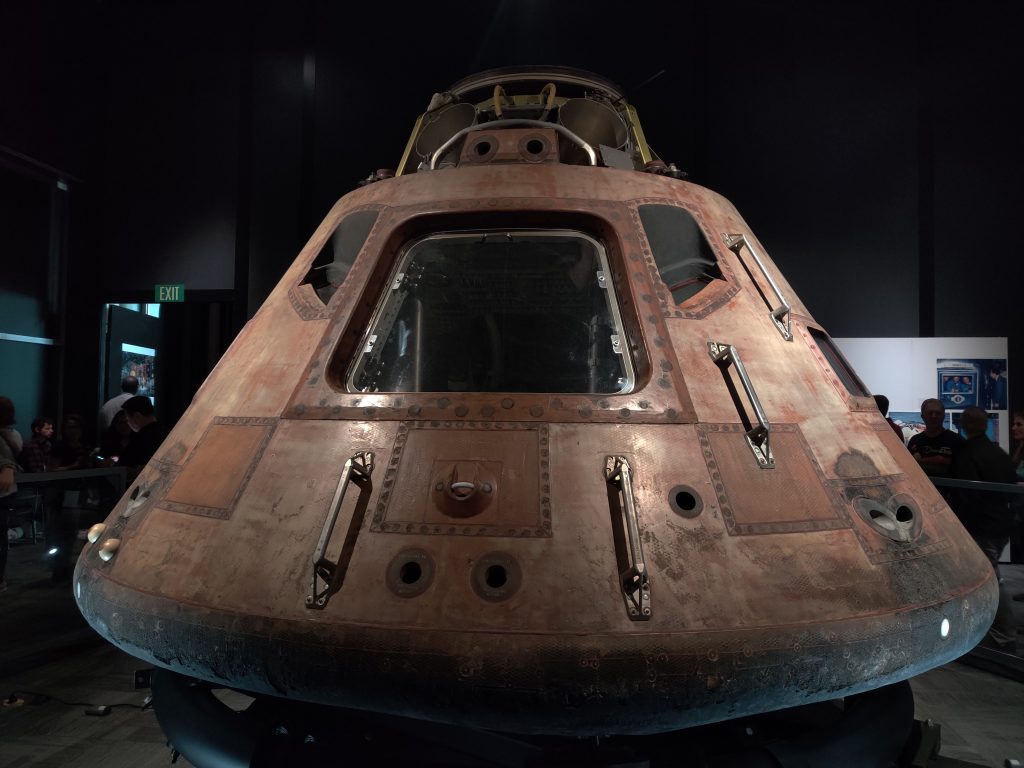
At the Museum of Flight here in Seattle, the Destination Moon exhibit showcases real artifacts from the Apollo 11 mission – including the actual Apollo 11 Command Module “Columbia”. I had a chance to visit the exhibit and was blown away from seeing the Command Module. In addition to the Command Module, the exhibit features all kinds of other artifacts including an actual moon rock, space suits, and tools. If you’re in the Seattle area – this is a must-see exhibit. It’ll be here until September.